-
11-
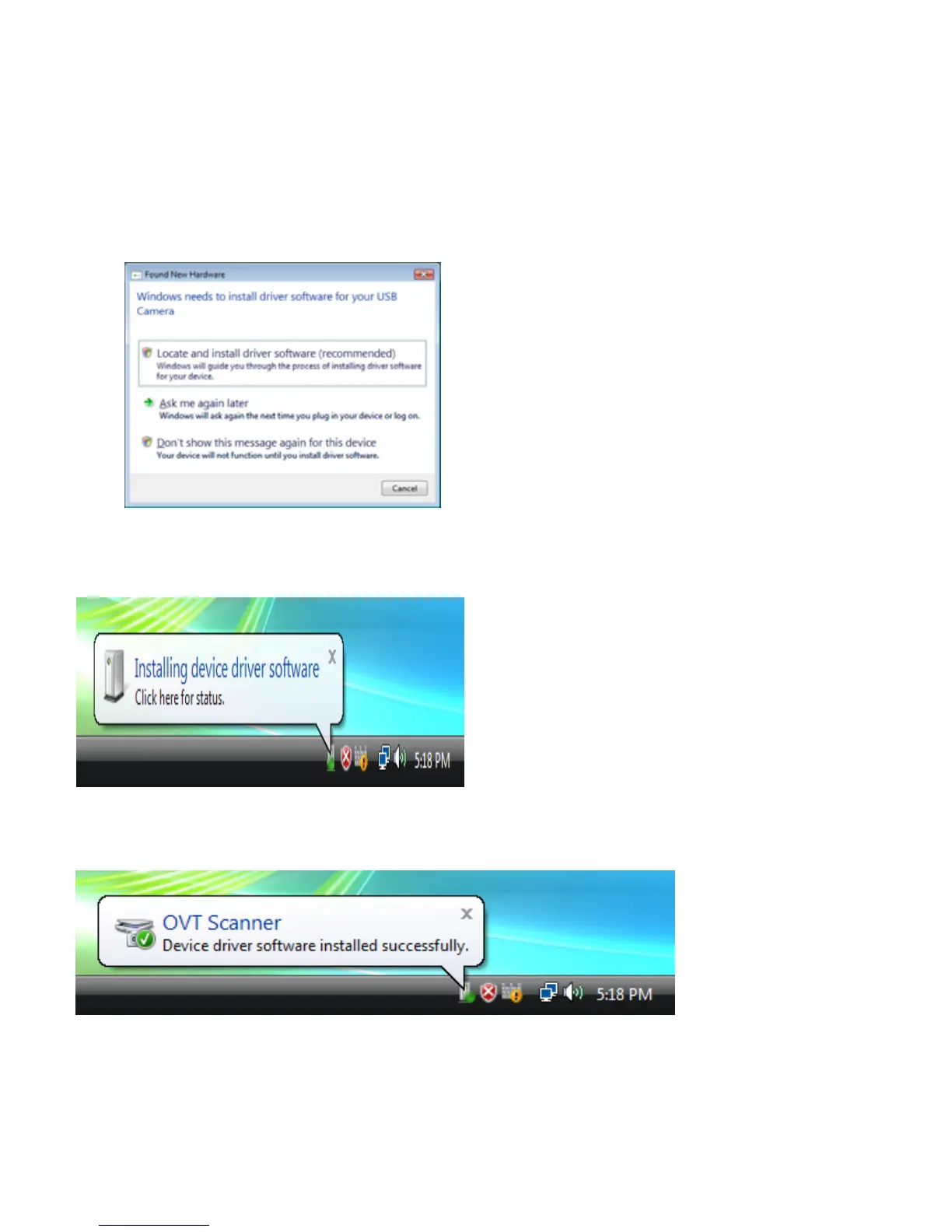
Windows Vista directions:
1. Connect the film converter to the computer using a 2.0 USB port.
2. Do not insert the disk in to the drive and click the first item.
3. The Found New Hardware Wizard will automatically look for installed software.
4. The hardware is successfully installed
5. Using the slide and film converter.















 To Next Page