-
12-
5. Using the slide and film converter.
Click on the “PhotoImpression 6” icon on the desktop. Follow the instructions to open the
software.
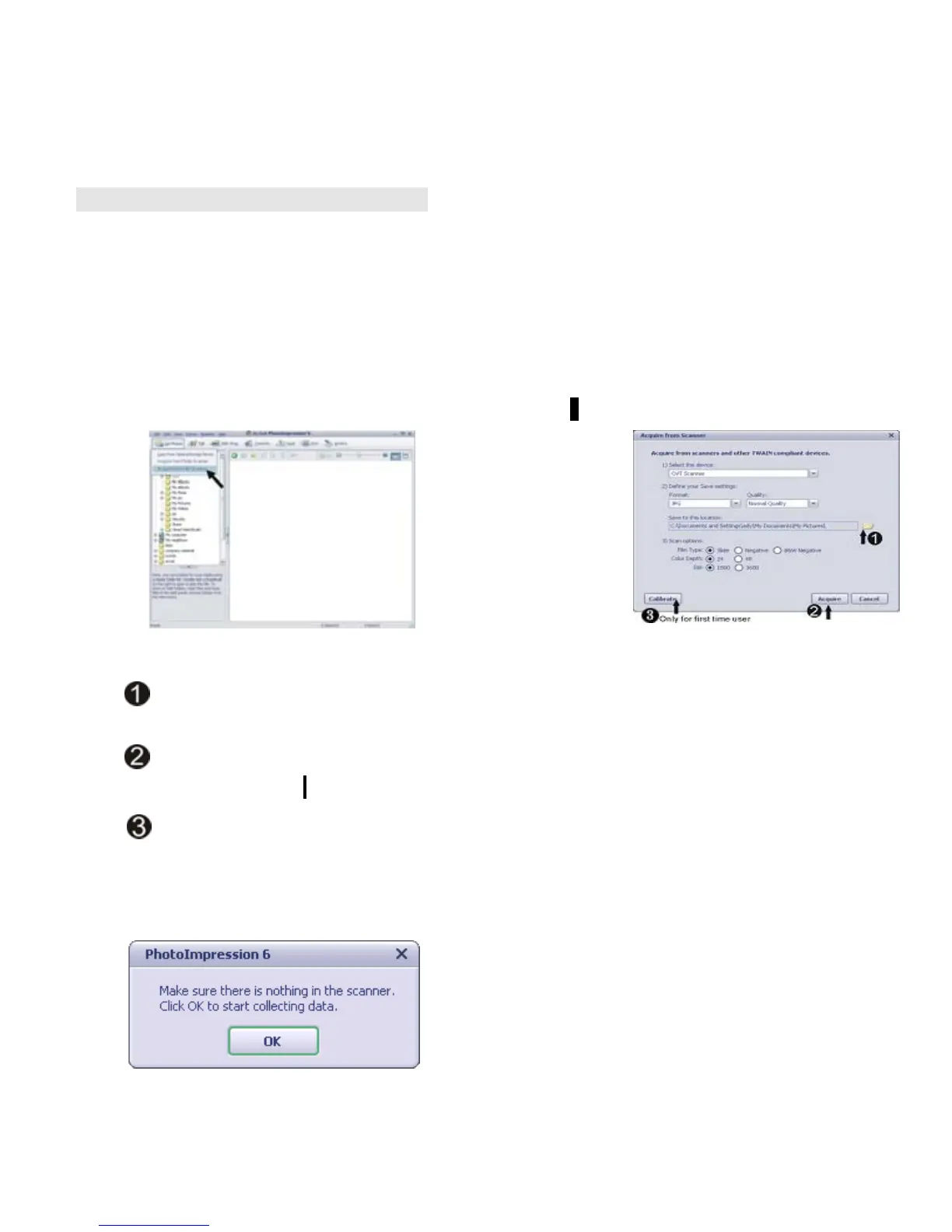
1. Click on the “Get photos” icon on the appeared data interface.
2. Click on the “Acquire from Scanner” as Pic 1.
3. Then “Acquire from Scanner” UI will appear as Pic 2.
Pic2
Pic1
Select the location to save the images after scanning.
Adjust the image resolution based on individual requirement and then click
“Acquire” icon.
Click “Calibrate” for the first time operation or only when calibration is needed.
4. For first time users the converter will automatically calibrate.(as pic 3)
Pic 3















 To Next Page