-9-
Operation of the scanner :
Settings for scanning:
On the home page of the LCD Screen, select the Film
icon (preset) by pressing / button, then OK/( )
button to confirm your selection.
You will then move to the 2
nd
. page of selections for
you to select the type of film:
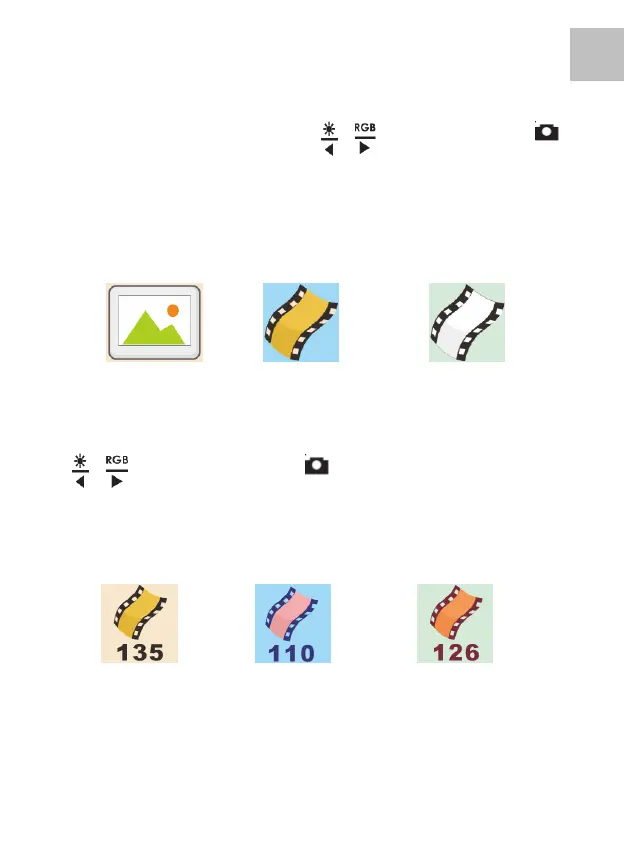
Slide Color Negative B&W Negative
Select the type of film you want to scan by pressing
/ Button, then OK/( ) Button to confirm your
selection.
You will then move to the 3
rd
. page of selections for
you to select the size of film, they are:
135 Film 110 Film 126 Film
135 Film: film with 24x36mm picture area
110 Film: film with 13x17mm picture area
126 Film: film with 28x28mm picture area.















 To Next Page