-10-
Select the size of film you want to scan by pressing
/ button, then OK/( ) Button to confirm your
selection.
A preview screen will pop up on the LCD screen, you
may now insert the film holder into the scanner and
photo of the film will be shown on the LCD screen,
ready for you to convert the photos into digital images
and store them in the SD Card.
Quick guide to Preview Mode for scanning film:
In any condition press the Button will return to the
Home Page of the scanner. Press one more time from the
LCD screen Home page will at once direct you to the
preview mode for scanning film. Press once again will
return to the Home Page.
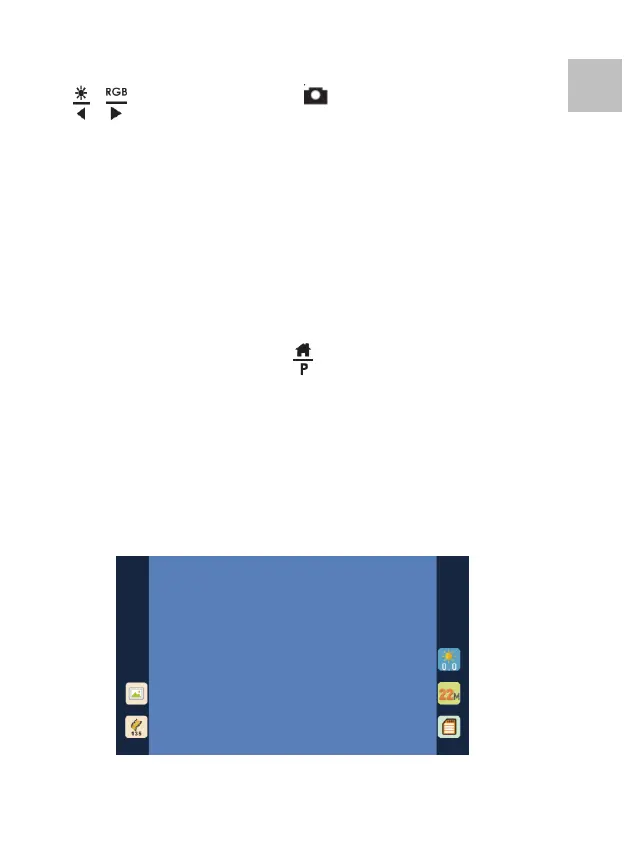
Preview Screen:















 To Next Page