Adjusting the framing
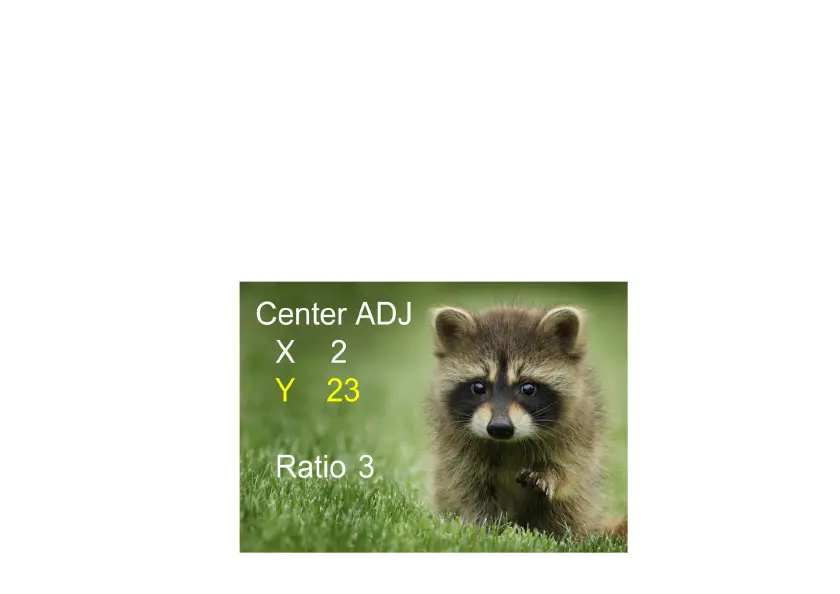
Select the sub-menu "Framing" in the main menu and confirm with OK. Insert a slide
or negative into the scanner as a reference. Now select between “X” (horizontal), “Y”
(vertical) and “Ratio” (zoom) using the arrow buttons. Press OK to activate the
setting option, which you make using the arrow buttons. Evaluate the image framing
on the background image and confirm the set value by pressing OK. (The font color
changes to yellow).















 To Next Page