OPERATION GUIDE
SD card
Insert an SD card (max. 128GB) into the card slot on the back.
The golden contacts of the card must be facing upwards!
Start the scanner by pressing the on/off button (2).
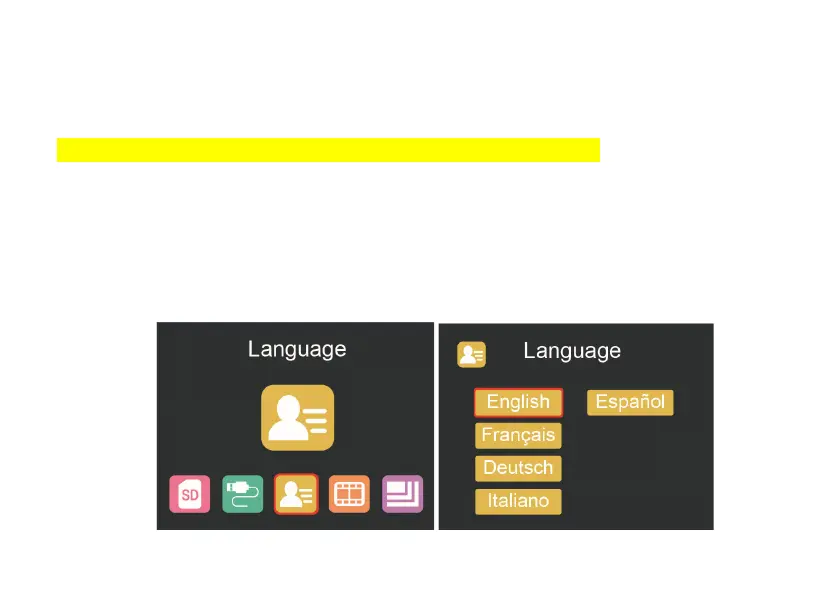
Language selection
Press < or > button in the main menu mode to select „Language”.
Press “OK” then use < or > buttons to choose your preferred language between
English, French, German, Italian or Spanish. Confirm by pressing “OK”.















 To Next Page