UK
19
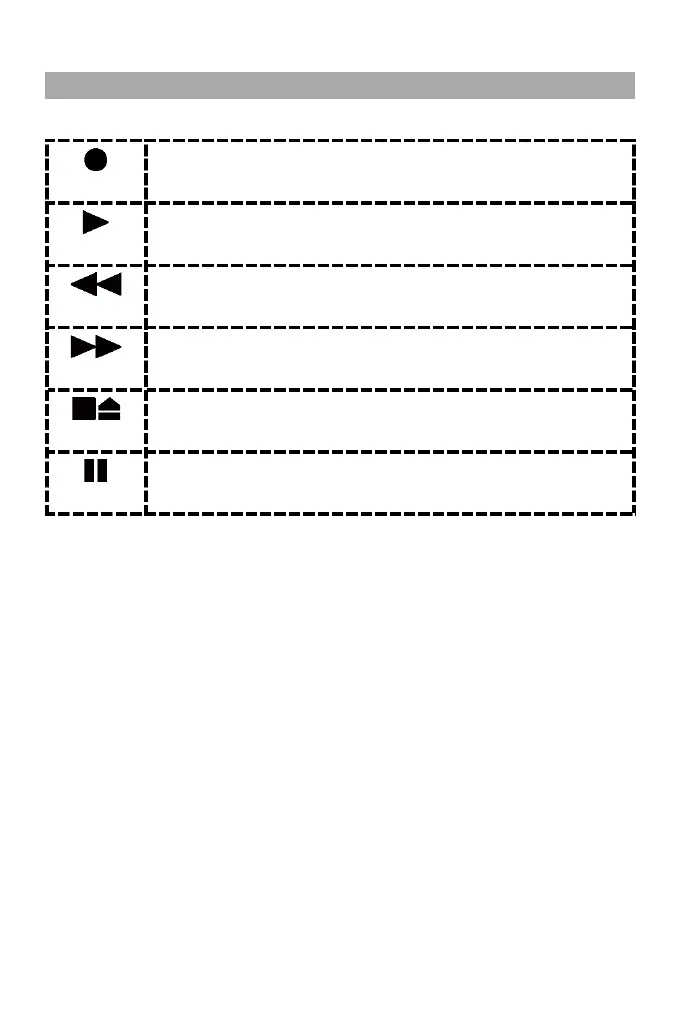
3. Use the following buttons to control playback.
Press the button together with the PLAY button to start recording.
Note:
- The recording is ended by pressing the STOP/EJECT key.
Press this button to start playback.
Press this button to rewind the cassette to a specific point. Press the STOP/EJECT
button to stop rewinding.
Press this button to fast forward the cassette to a specific point. Press the STOP
button to stop fast forwarding.
Press this button during playback to pause playback.
Press the key when no playback has been started to open the CASSETTE DOOR.
Press this key during playback to pause playback.
Press the key again to resume playback.



 To Next Page