of tracks is shown again on the display.
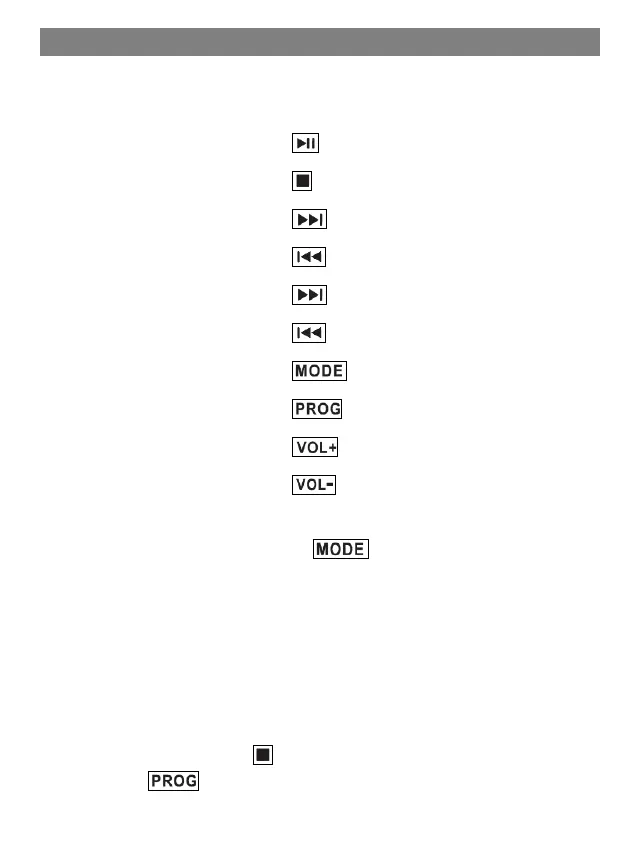
Control playback:
Play / Pause:
Stop playback:
Next track:
Previous track:
Fast forward: (button pressed and held)
Rewind: (press and hold)
Playback mode:
Playback order:
Louder:
Quieter:
Set the playback mode:
1. To set the playback mode, press the [2] button repeatedly.
2. The playback mode is shown in the display.
3. The following playback modes are available:
REP: Only the current track is repeated.
REP ALL: All tracks are repeated.
RAN: Random playback
CD playback Programming:
1. Stop CD playback with the [8] button.
2. Press the [2] button. P01" flashes in the display.



 To Next Page