FASTSCAN
FastScan is a provider based search with automatic update of the transmitter data.
1. Press the [MENU] button and use the [▲ ▼ ◄►] buttons to move to "Station".
2. Press the [OK] button and use the [▲ ▼] buttons to navigate
"Satellite configuration".
3. Confirm the entry with the [OK] key.
4. Use the [▲ ▼ ◄►] buttons to select a satellite.
5. Press the [OK] button to highlight the satellite.
6. Press the [BLUE] key to enter the search setting.
7. In "Search mode, select FastScan" and press the [OK] key.
8. Use the [◄►] buttons to select a FastScan provider.
9. Then press the [OK] key to confirm the setting and start the search.
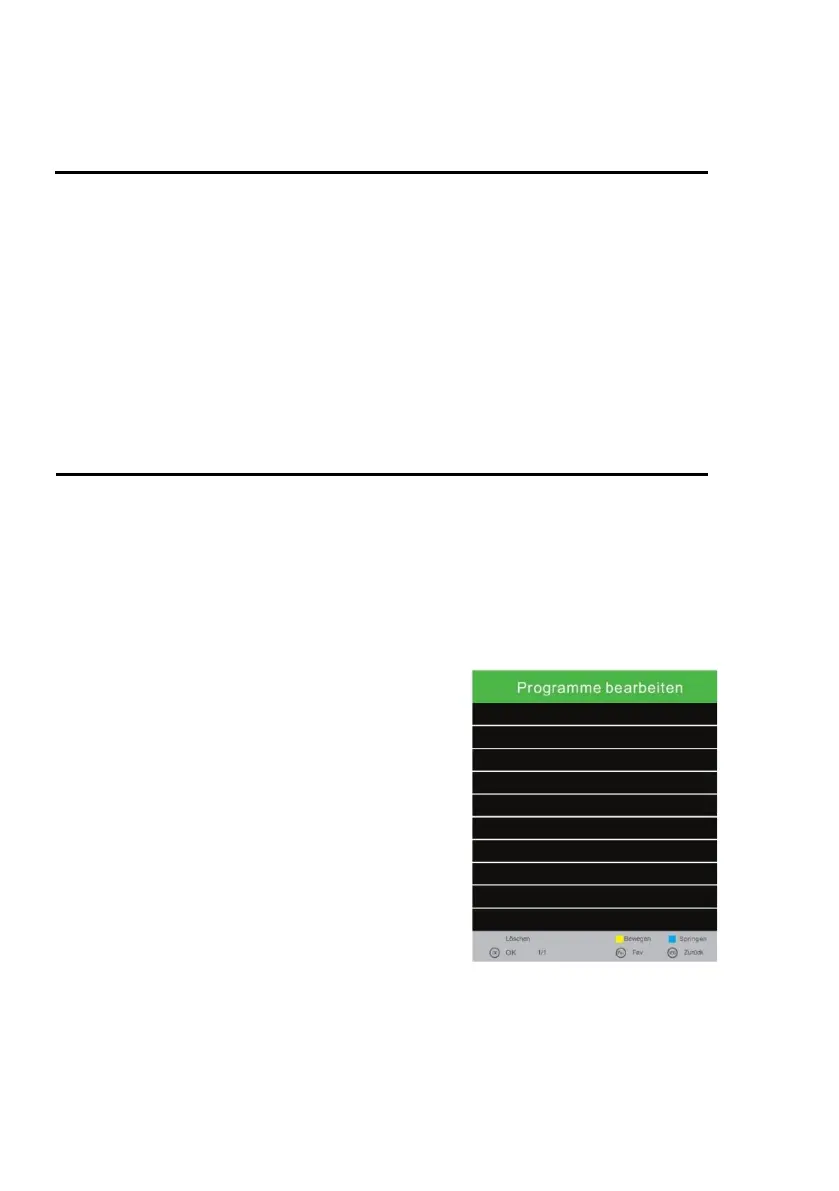
PROGRAMME EDIT
1. Press the [MENU] key and use the [▲ ▼ ◄►] keys to move to "Channel".
2. Press the [OK] key.
3. Use the [▲ ▼] buttons to navigate to "Edit channel list".
4. Confirm with the [OK] key.
5. Use the [▲ ▼] buttons to navigate in the menu.
The following options for editing the station list are available:
Delete [RED] / Move [YELLOW] / SKIP [BLUE] / FAV [FAV]
Delete [RED]: Delete channels.
1. Select a station to be deleted using the [▲ ▼]
buttons.
2. Press the [RED] button to delete the station.
3. The following stations slip up the list.
4. Repeat steps 1 and 2 until all desired stations
have been deleted.
Move [YELLOW]: Move channels.
1. Select a station to be moved using the [▲ ▼]
buttons.
2. Press the [YELLOW] button to highlight the
selected station.
3. Press the [▲ ▼] button to move the station up or
down.
4. Press the [OK] button to store the station to the
desired slot.
5. Repeat step 1-4 until the desired station order is reached.



 To Next Page