DVD PLAYBACK
1. Press the [Input] button on the remote control
2. Press the [▲ ▼] key to navigate in the menu.
3. Select the menu item [DVD].
4. Press the [OK] key to confirm.
Start DVD Playback
1. If no DVD is inserted, the unit will display "no disc".
2. Insert a disc into the right side slot to start playback.
3. To eject the disc, press the [] button
Note:
The printed side of the disc must face backwards.
The unit will pull in the disc itself. Do not force yourself into the device.
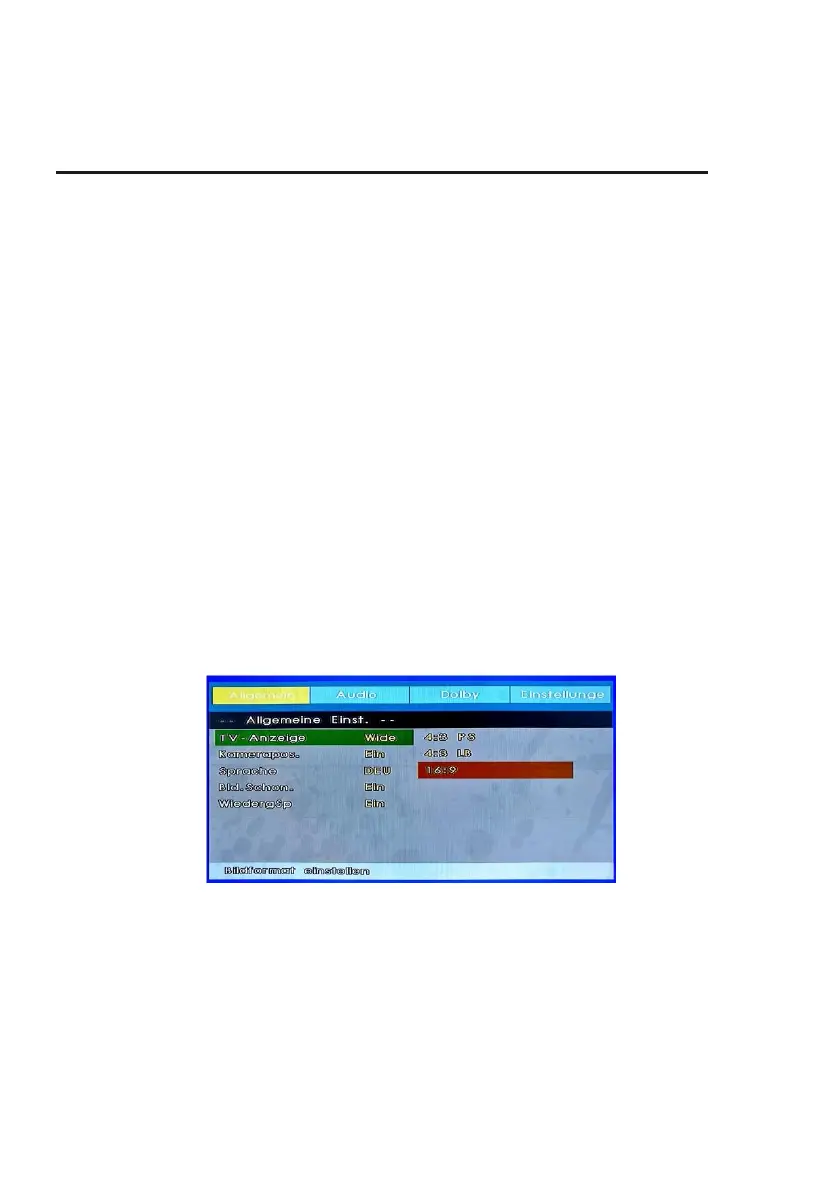
CD / DVD Setup- Mode
1. Press the [D.SET] button on the remote control.
2. The menu window appears in the display.
3. The following setting options are available:
General Setup / Audio Setup / Dolby Setup / Preference Page
4. Press the [▲ ▼ ◄►] buttons to navigate in the menu.
5. Confirm the entry with the [OK] key.
6. Press the [◄] button to return to the previous menu item.
7. Press the [D.SET] button to close the DVD menu display.
General Setup
TV- Display:
Set the picture / aspect ratio for DVD playback. The following settings are available:
4:3 PS / 4:3 LB / Wide
Angle Mark:
Some DVDs have multiple camera positions for certain scenes. To see this switch the menu item to
"On".



 To Next Page