Default Channel: Select the channel with which the
unit is to start. Only active if ATV, DVB-T, DVB-C or
DVB-S is selected as the default source and there
are channels in the channel list.
Max Volume: Set the maximum volume level that
the user can set.
Default Volume: Set the volume at which the unit is
to start.
Import: Import the exported hotel mode settings
and channel list.
Export: Export the hotel mode settings and the
channel list.
Language: Set the default menu language.
Aspect Ratio: Set the default aspect ratio.
Restore: Resets the hotel mode to the default
setting.
EPG
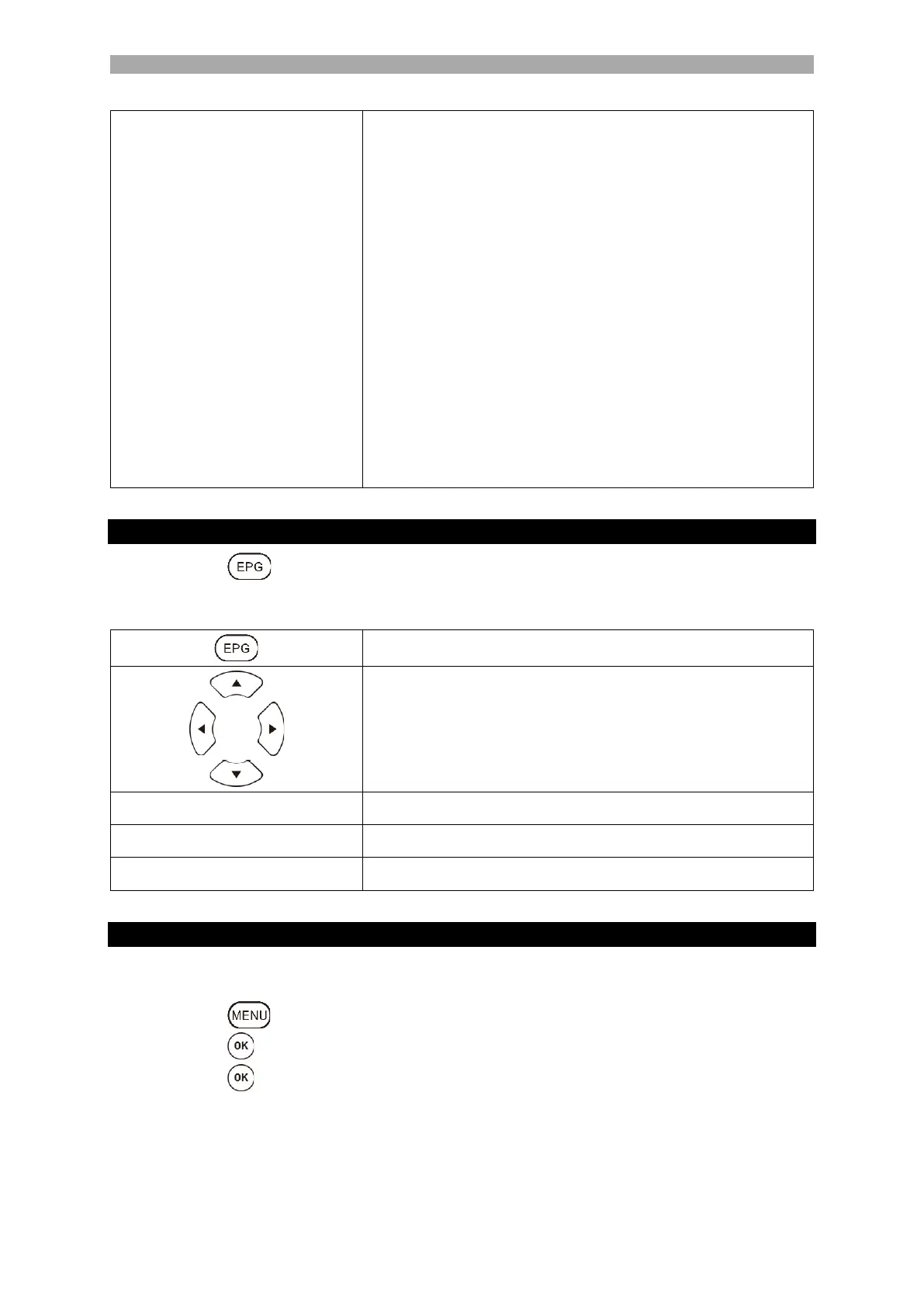
1. Press the button to open or close the EPG menu.
2. Use the following buttons to operate the EPG menu.
Programme a USB recording.
Displays the programmed recordings.
Set up a reminder for a programme.
USB RECORDING PROGRAMMING
1. Insert an empty USB stick or a hard disk (max. 1 TB) into the USB socket of the unit.
Please note that the USB mass storage device must be formatted FAT32.
2. Press the key and navigate to Function.
3. Press the key and select the menu item PVR option.
4. Press the button to open the menu.
5. Under the menu item Select Disk, select the USB memory on which the recordings are
to be saved.
6. Then go to Format Disk so that the USB memory is converted to the correct format.
Note:



 To Next Page