UK
66
Formatting deletes all data from the USB memory.
7. Now the USB memory is ready for recording.
Start recording
There are two ways to start a recording.
Instant recording:
Press the key on the remote control and the recording starts.
Press the key to stop recording.
EPG recording
Press the key to programme a recording. Press the Red button to programme the
recording.
DVD
To switch to DVD mode, proceed as follows:
1. Press the button and select DVD.
2. The unit switches to DVD mode and displays the following information.
No disc: There is no CD / DVD in the drive.
3. Insert a CD / DVD with the printed side facing the back of the unit into the DVD drive
on the right side. Push the disc only a short distance into the drive slot. The disc is
automatically drawn in.
4. Playback starts automatically.
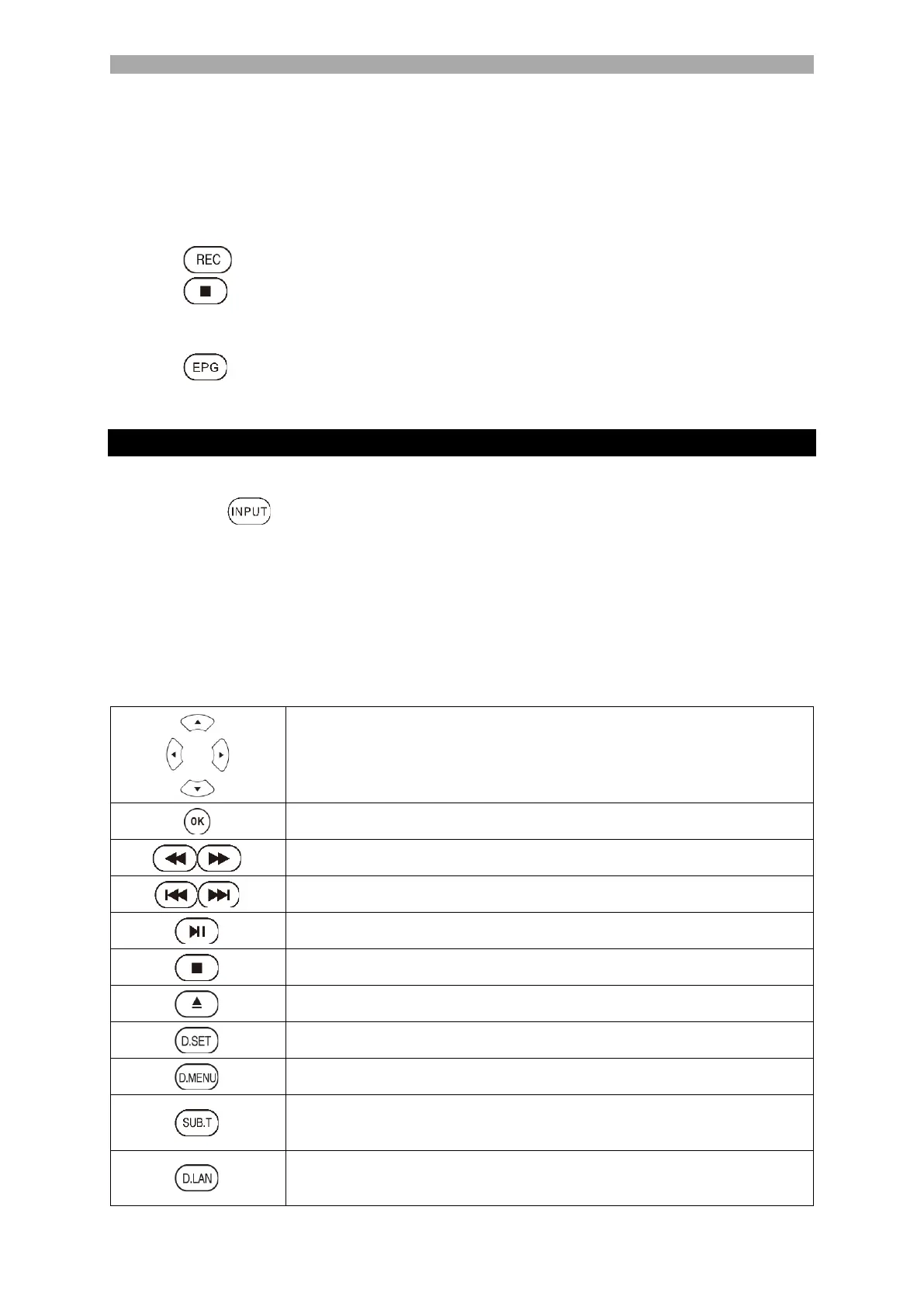
5. Use the following buttons to control the playback of the disc:



 To Next Page