UK
67
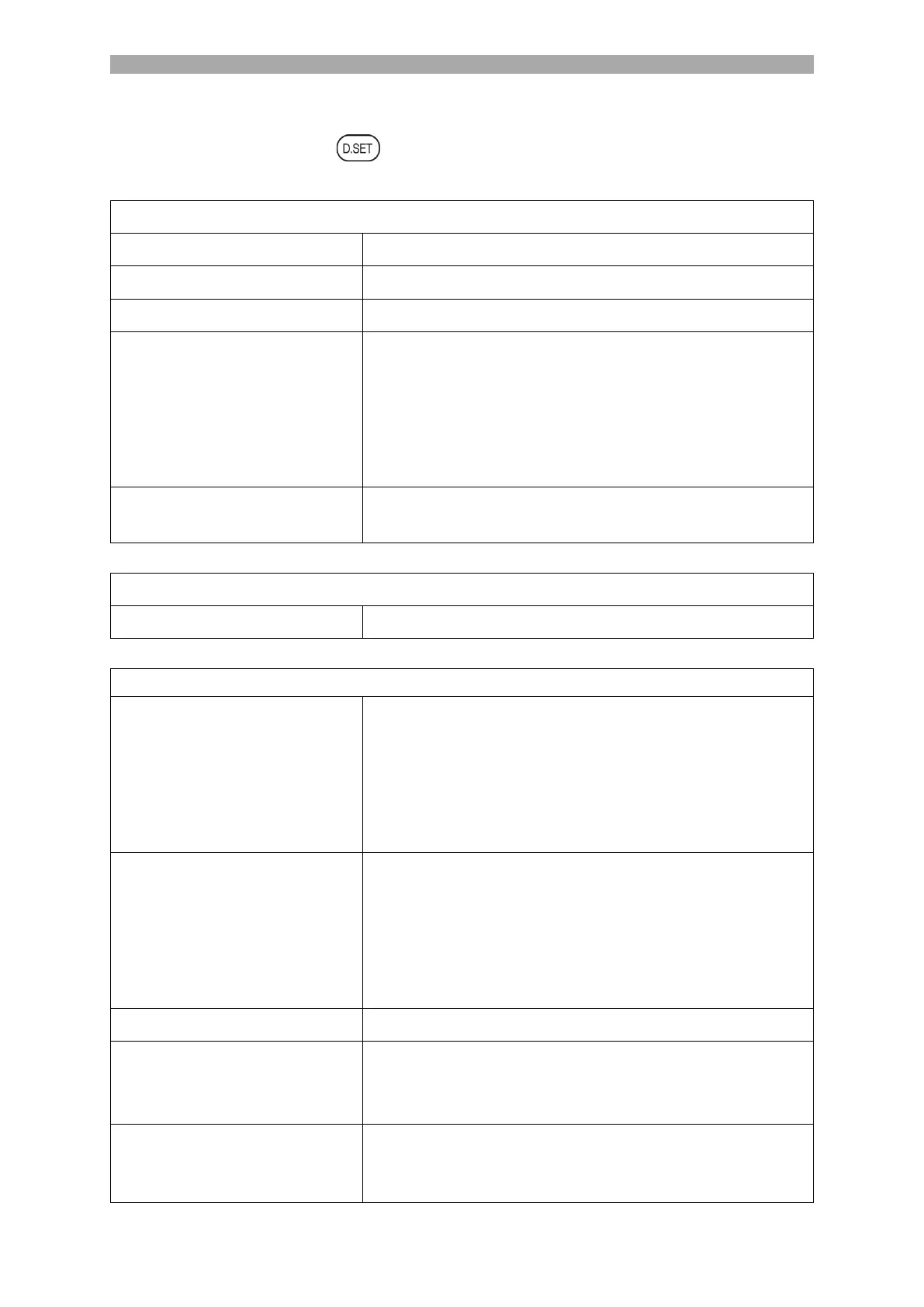
Disc settings menu
1. In DVD mode, press the button to open or close the disc settings menu.
2. The following setting options are available in the menu.
Pan& Scan (4:3), Letterbox (4:3), Wide 16:9
Select the menu language (German is the default)
Start the screen saver. The screen saver picture appears
when the player stops or the picture is frozen for a few
minutes. The screen saver can save the screen from
damage.
On: (Activates the screen saver).
Off: (Deactivates the screen saver).
Use last DVD playback point for playback when switched
on.
Stereo, Mono L, Mono R, Mix Mono
Please select the desired language for the DVD sound.
1) The selected language is automatically selected for
playback.
2) The languages vary greatly depending on the DVD.
You can also change the language during playback with
the AUDIO button.
Select the desired subtitle for playback.
1) The selected subtitle is automatically selected for
playback.
2) The subtitles vary greatly depending on the DVD. You
can also change the subtitles during playback by pressing
the SUBTITLE button.
Select the desired menu language.
Here you can change the password for DVD mode. The
default password is: 0000
Note: Please make a note of the new password.
Set the level for the protection of minors. For certain
discs where the parental control level is exceeded, a
password query takes place.



 To Next Page