EN
53
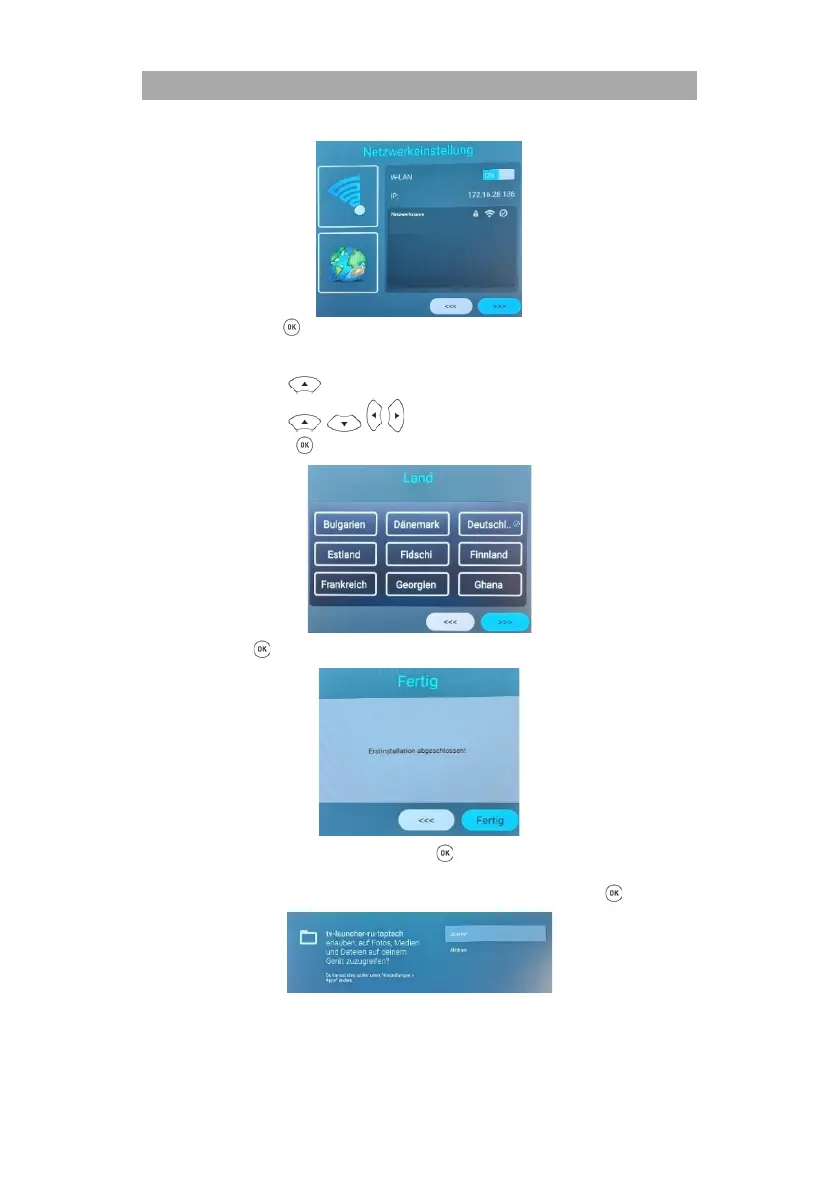
8. Now press the button to confirm the network settings and to get to the next menu
item.
9. In this menu item you select the location of the device.
Use the buttons to go to the selection.
Use the buttons to select the desired country.
Press the button to confirm the country.
10. Press the button and to confirm the country settings.
11. Select the menu item Done and press the button to complete the initial installation.
12. Now you get to the Smart TV Home screen.
13. A fade-in appears. Confirm this by navigating to Allow and pressing the button.



 To Next Page