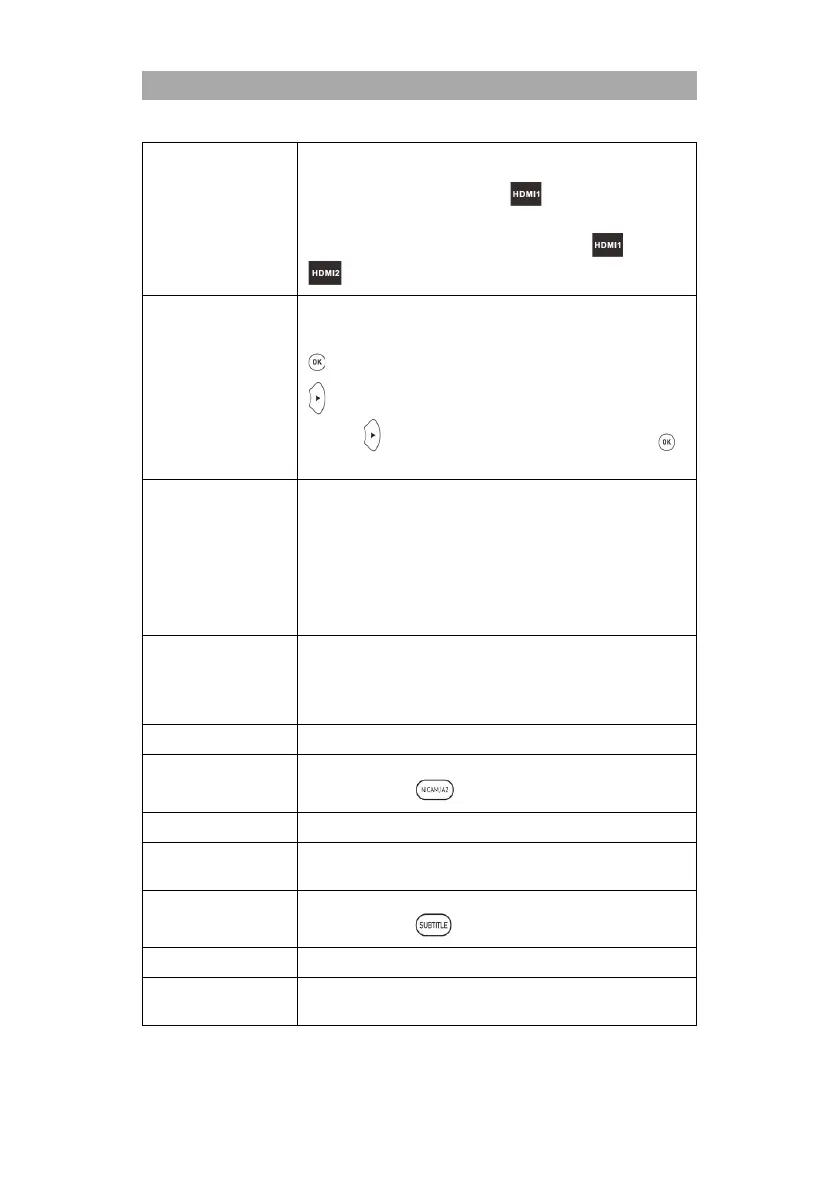
Auto switch on: Switches connected devices on when the TV set
is switched on.
ARC: Transmits the audio signal via to externally connected
devices (e.g. soundbars).
Device list: Displays the devices connected to the and
connectors.
Manage the saved recordings.
Red button: Deletes the selected recording.
: Starts playback of the selected recording.
: Starts playback of the selected recording in window mode.
Press the button to select window display. Now press the
button to view the recording in full screen.
Set the settings for the recordings.
Select Disk: Select the recording medium.
Time Shift Size: Set the maximum size of the Time Shift file.
Format Disk: Prepare the USB storage medium for the
recordings. Please note that when formatting the USB storage, all
saved files will be deleted.
Speed Check: Test the speed of the USB storage.
Set the background image for the signal sources when there is no
signal.
On: Blue screen
Off: Black screen.
Select the teletext language.
Select the audio language of the selected TV channel. Can also be
selected using the button.
Set the Preferred Audio Language to be selected automatically.
Set the secondary audio language to be selected automatically.
Subtitle Language
Setting
Select the subtitle of the selected TV channel. Can also be
selected using the button.
Set the preferred subtitle language to be selected automatically.
Set the secondary subtitle language to be selected automatically.



 To Next Page