This option is for people with a hearing loss. The subtitle is
activated automatically.
This menu item resets all the settings made (picture / sound) to
the delivery status and the device switches itself off and then on
again. The station list and LNB settings are not reset.
TIME
In the Time menu you can adjust and save time settings to suit your needs.
1. Press the button to open the TV menu.
2. Use the buttons to select the Time menu item.
3. Press the button to enter the Time menu.
4. The following menu items are available in the Time menu:
Displays the date. Cannot be set manually. Is set via the TV signal.
Displays the time. Cannot be set manually. Is set via the TV signal.
Set a time after which the device should automatically switch to
standby mode. Can also be set using the SLEEP button.
Set the time after which the device should automatically switch
to standby mode if no operation takes place.
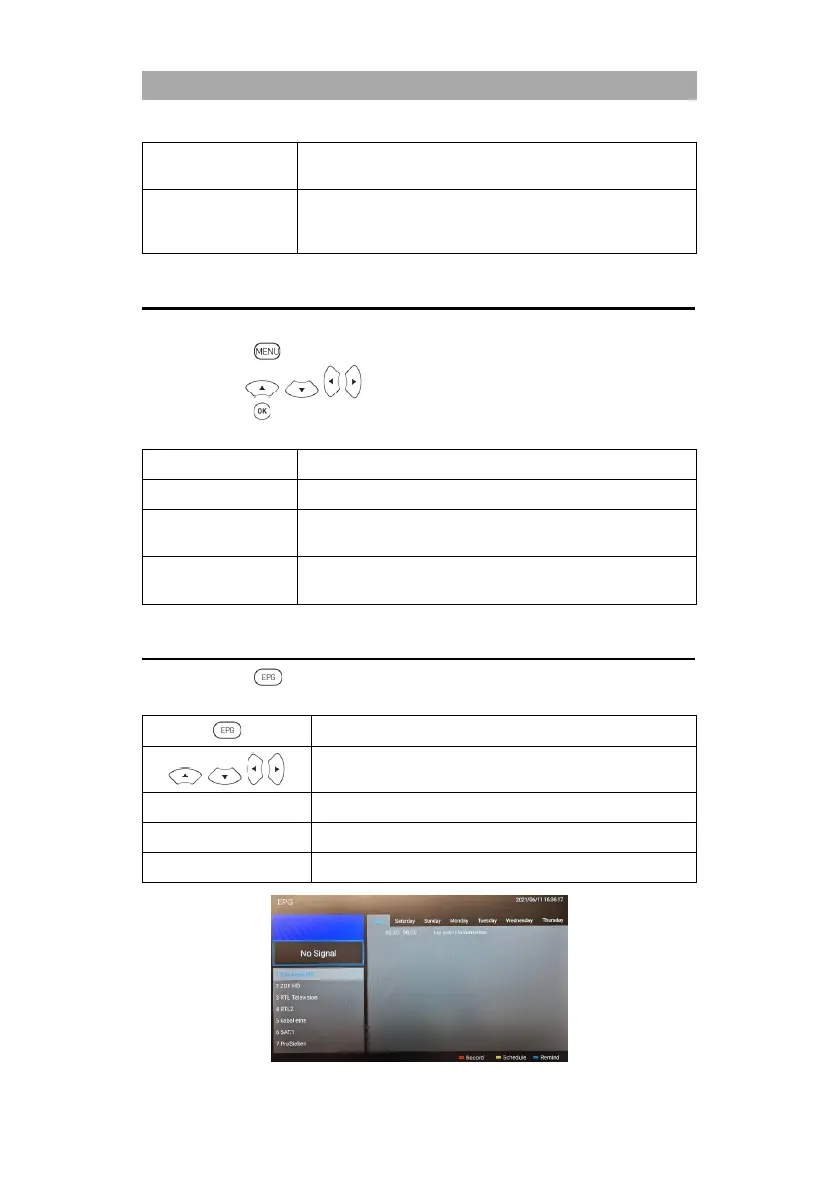
EPG
1. Press the button to open or close the EPG menu.
2. You can use the following buttons to operate the EPG menu.
Programming a USB recording
Shows the programmed recordings.
Set up a reminder for a program.



 To Next Page