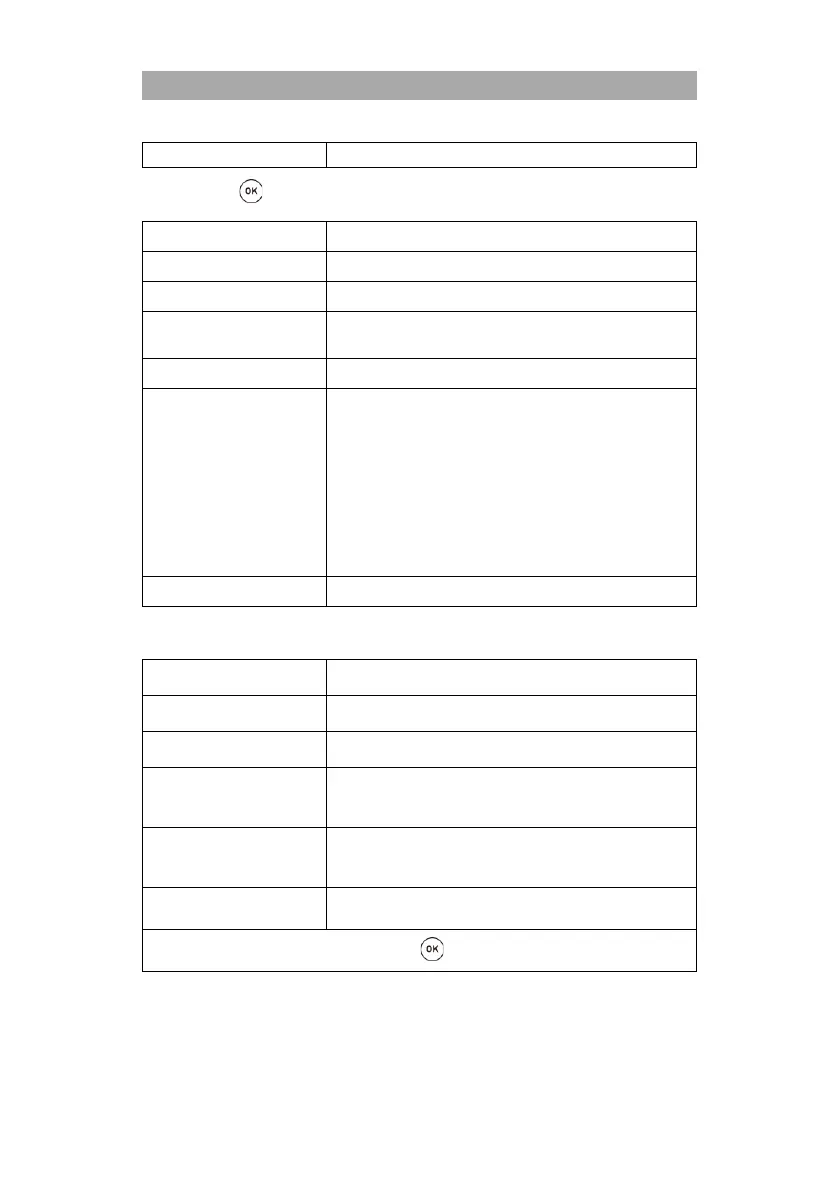
Perform a Fast Scan search.
2) Press the button to go to the next menu.
Select the satellite. Astra 19.2 is preset.
Select the provider for the Fast Scan function. Can only
selected in the FastScan search mode.
Auto / Blind Scan / Preset
Unicable-Setting:
Off / On
Userband / SRC Addr.:
Select the user band that matches the multiswitch,
LNB.
Frequency:
Enter the frequency suitable for the multiswitch, LNB.
Position:
A / B
First installation of DVB-C
Only available if the search mode is set to network scan.
Auto
Manually
Only available if the search mode is set to network scan.
Auto
Manually
Once you have made all the settings, press the button to start the search.
7. While the search is running, the number of programs found is displayed.
TV
RADIO
Data



 To Next Page