UK
71
Instant recording
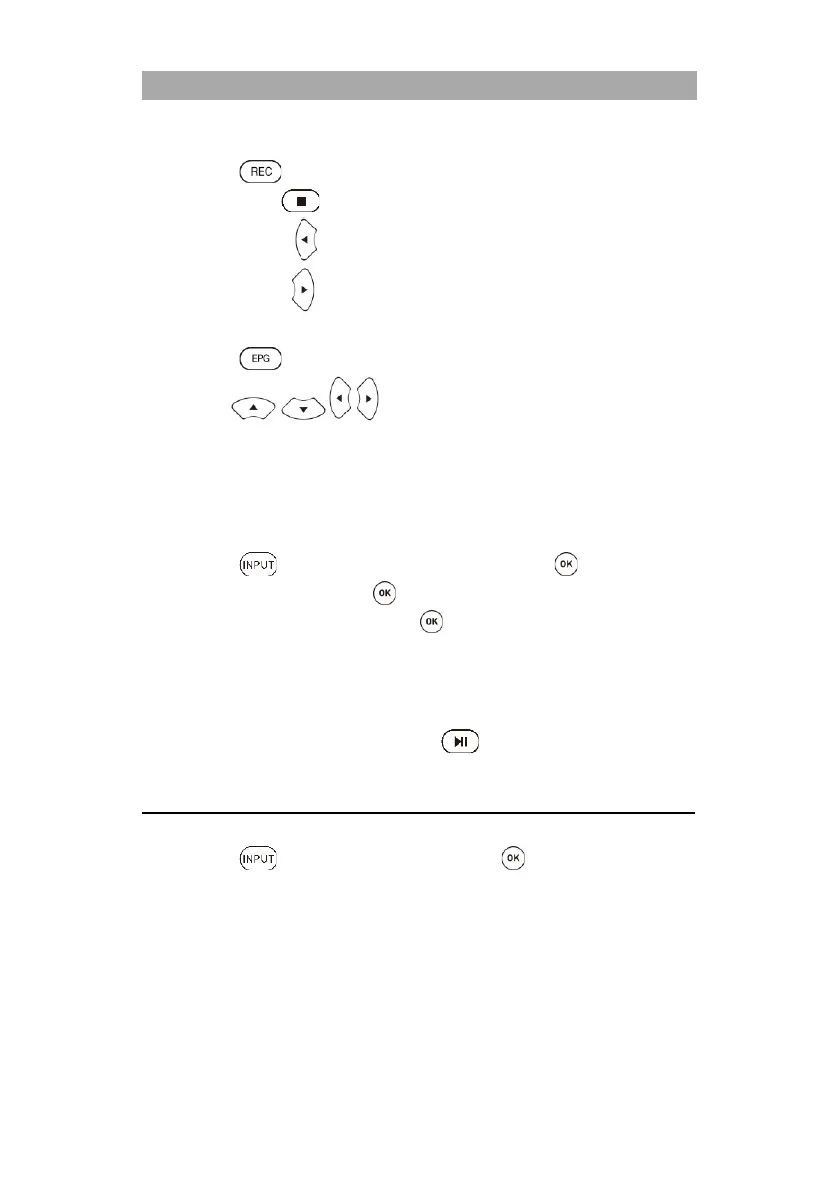
1. Press the button on the remote control and the recording will start.
2. Press the button to end the recording. A query appears.
Yes: Press the button to stop recording.
No: Press the button to resume recording.
EPG recording
1. Press the button to open the EPG menu.
2. Use the buttons to navigate in the menu.
3. Select the program you want to record and press the red button.
4. Press the yellow button in the EPG menu to display the programmed recordings.
Note:
Multiple TV programs cannot be programmed for recording that are broadcast at the
same time or that overlap.
Playback recording
1. Press the button, navigate to Media and confirm with the button.
2. Navigate to Movie and press the button.
3. Select the storage medium and press the button.
C: USB1
D: USB2
4. The recordings are saved in the MSTPVR folder.
5. Select the file you want to play.
6. A preview playback starts on the right side.
7. To view the playback in full screen, press the button.
MEDIA
To switch to media mode, proceed as follows:
1. Press the button and select Media and press the button.
2. The device switches to media mode and displays the following information.
Photo
Music
Movie
Text
3. Insert a USB memory device into the USB socket USB1 or USB2 and select the appropriate
function.
4. Use the following buttons to control USB playback:



 To Next Page