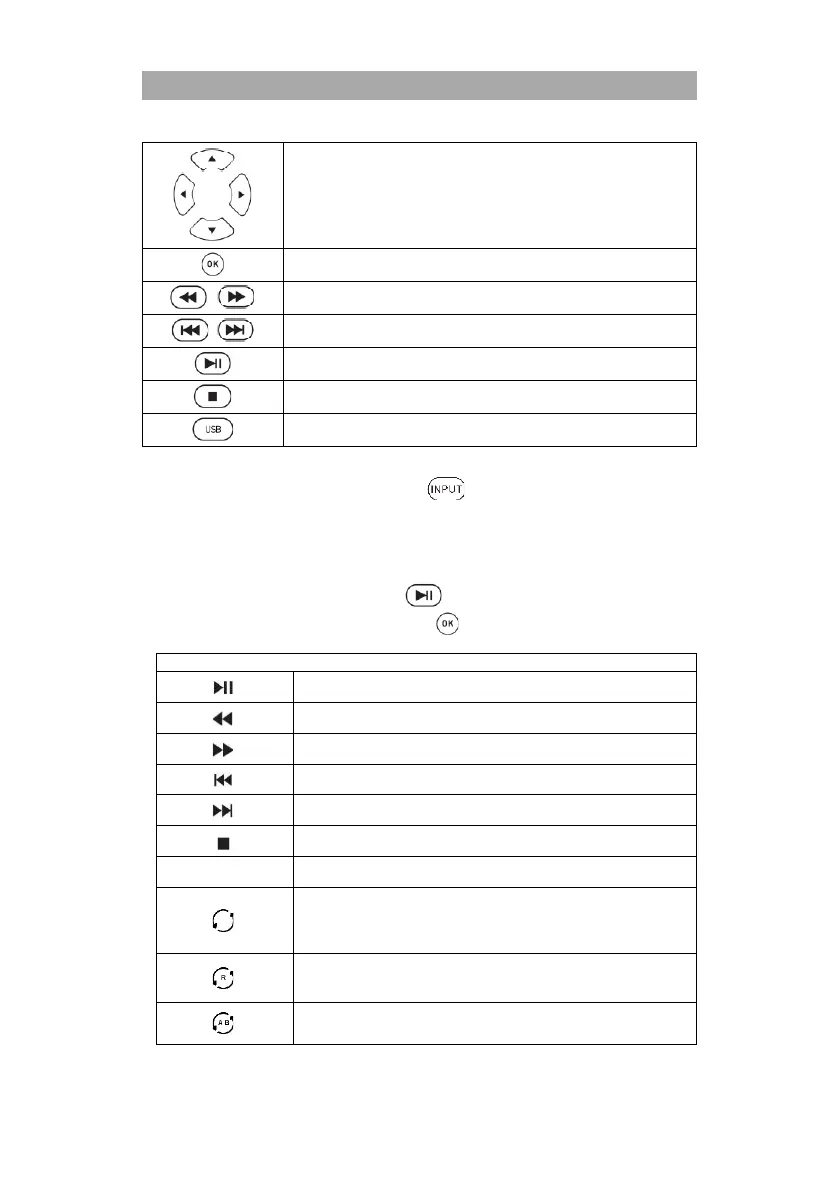
Navigate in the USB media menu.
Select / confirm menu item
Previous chapter / Next chapter
Note:
To switch back to TV mode, press the button and select DVB-T, DVB-C or DVB-
S.
Start USB playback:
1. Select a USB file that you want to play.
2. A preview playback starts.
3. To start full screen playback, press the button.
4. When a USB playback has started, press the button to open the control bar.
Customize subtitle design.
Repeat all
Repeat One
Repeat None
Random On: Random playback (On)
Random Off: Random playback (Off)
Set a loop for A B playback.
Set A: set the starting point.



 To Next Page