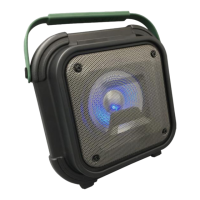
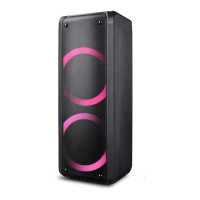
22
Device:
1. On / Off (standby)
2. Volume control (+) / (-)
3. Select mode
4. Next frequency / next track
5. Play / pause
6. Previous Frequency / Last
Track
7. Open the settings menu
8. Adjust the microphone
volume
9. Microphone jack (6.3mm)
10. Microphone jack (6.3mm)
11. AUX IN socket (3.5mm)
12. Micro SD card slot
(Max.16Gb)
13. USB socket (Max.16Gb)
14. Charging socket / DC 9V
1A
15. LED charging indicator
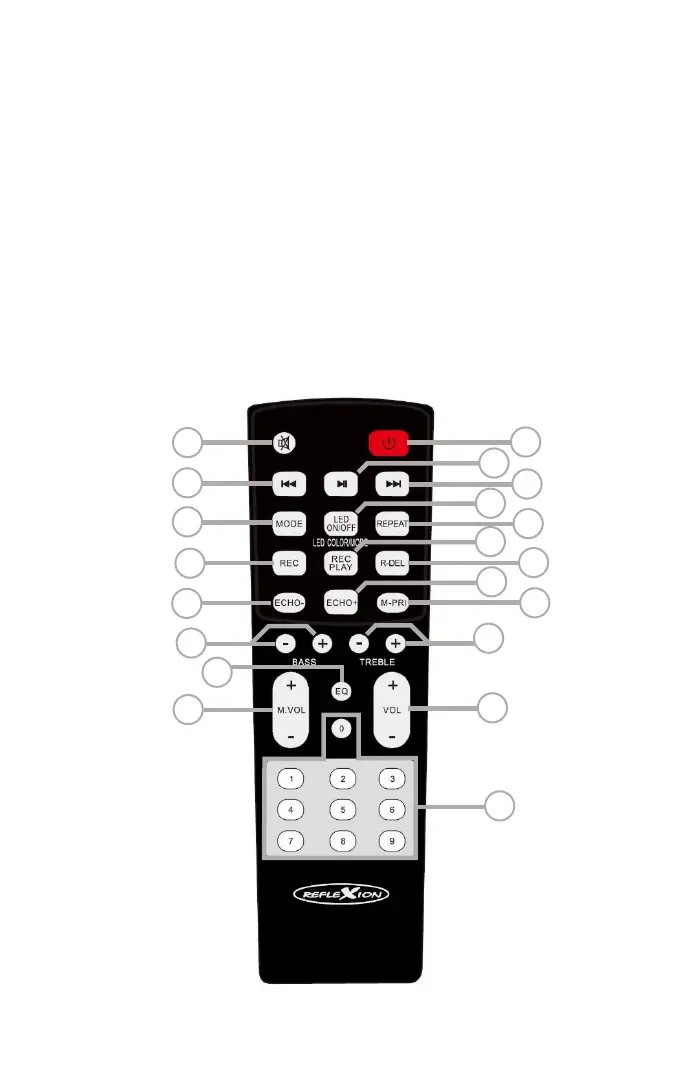
Control buttons on the remote control:


 To Next Page