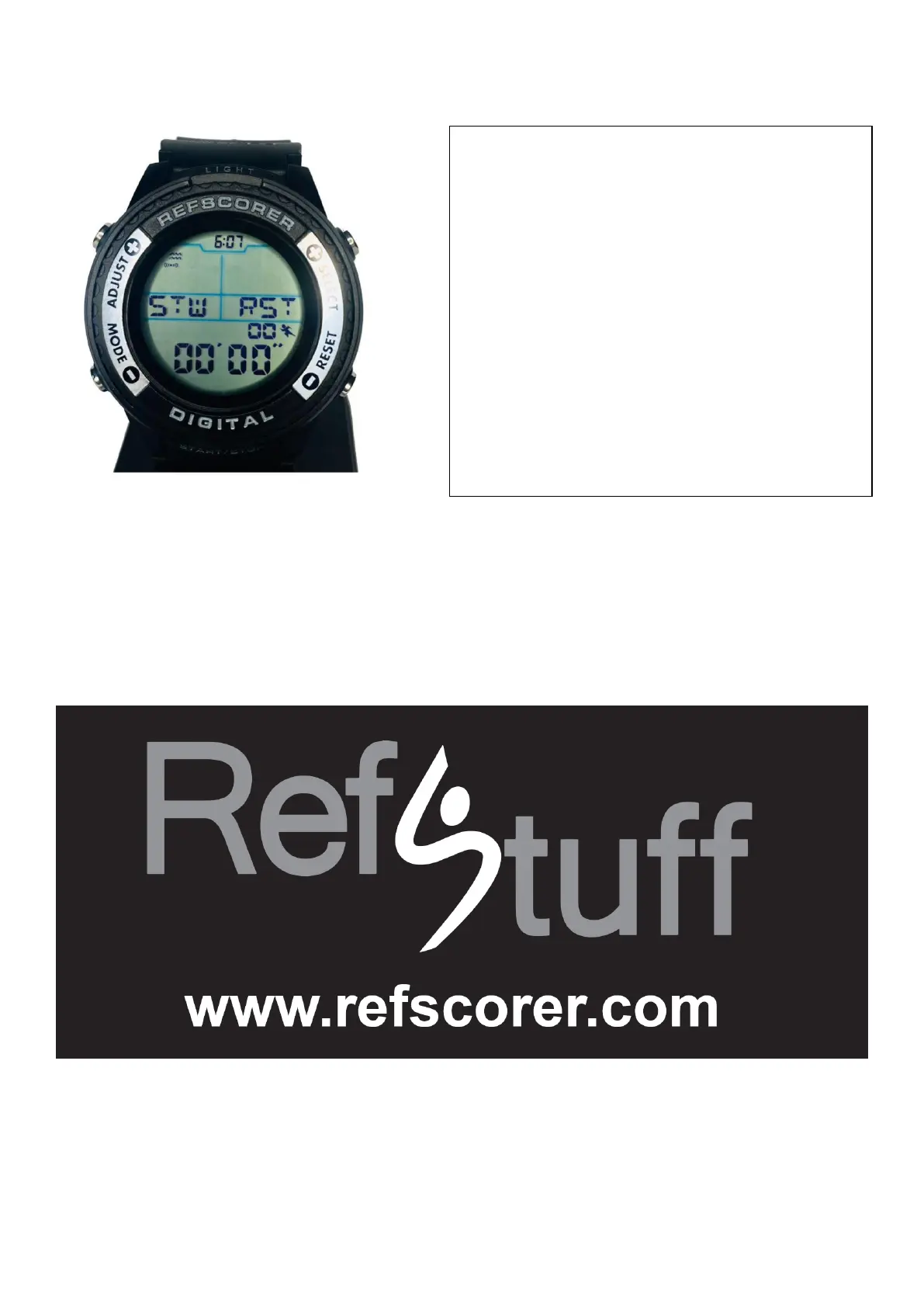
STOPWATCH TIMER MODE/SCREEN
TO DOWNLOAD A MORE COMPREHENSIVE USER INSTRUCTION
INFORMATION MANUAL, AND ALSO VIEW OUR EASY TO
FOLLOW DEMONSTRATION VIDEOS ON OUR
RefStuff YouTube CHANNEL. PLEASE GO TO OUR WEBSITE:
WE HOPE THAT YOU ENJOY USING THE
RefScorer Digital Watch v2.021
Measured in 1/100 Second.
Press the START/STOP button to start the
Stopwatch.
Press the START/STOP button to pause the
Stopwatch.
To clear the screen and start again, hold
down the RESET button for a long press of
around 3 seconds and this will erase the
stopwatch timer screen.


 To Next Page