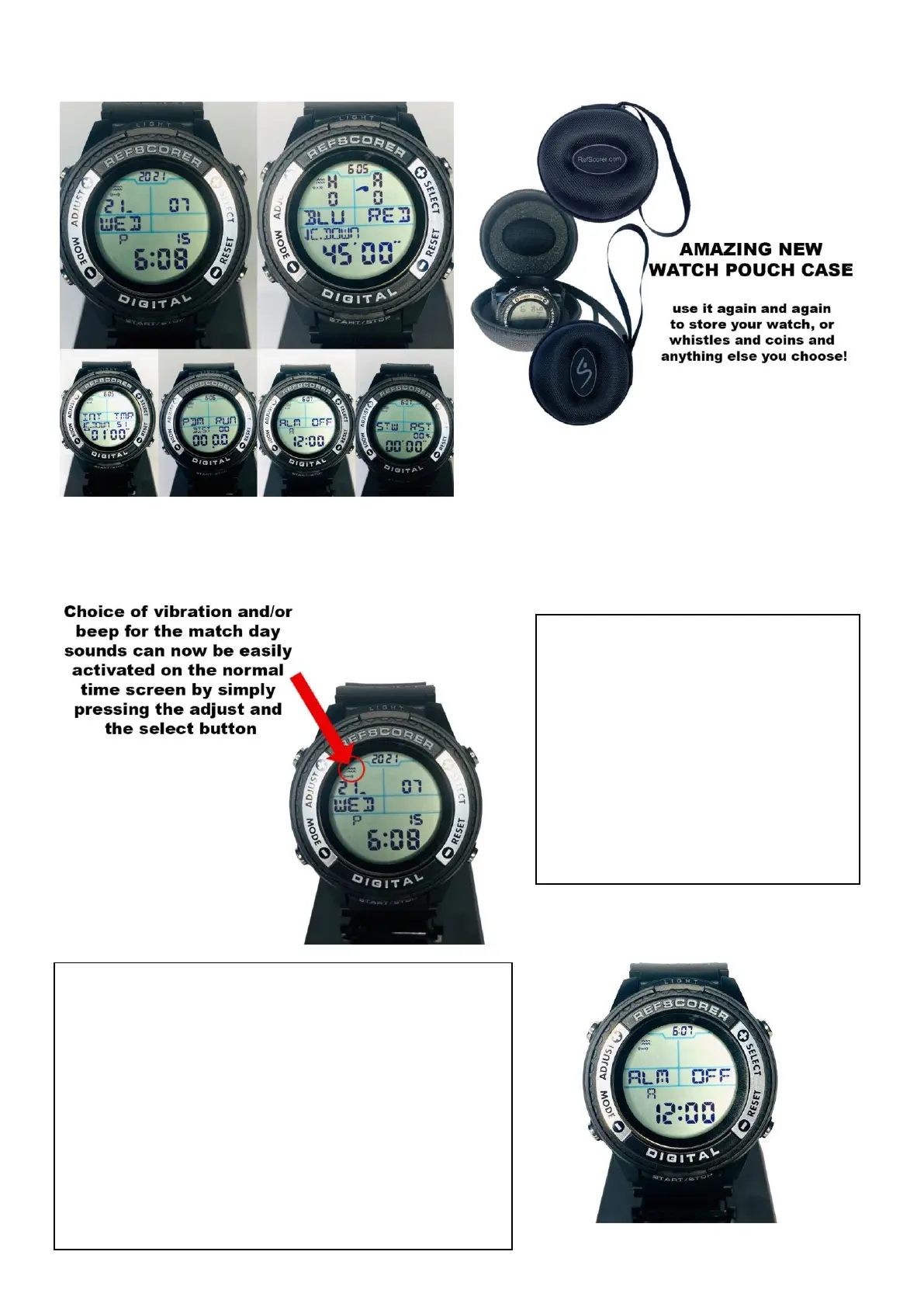
The 6 Watch Face Modes/Features
SETTING AND SELECTING VIBRATION AND BEEP ALERTS
Vibrate & Beep Alerts for Match
Day use are easily selected from
the Normal Time Mode/Screen.
Single press of the SELECT button
turns the Vibrate function on/off.
Single press of the ADJUST button
turns the Beep function on/off.
You can also operate the Vibrate & Beep Alerts
from the Alarm Time Mode/Screen.
Hold the ADJUST button for 3 seconds and then
the screen will flash. Scroll through the features
pressing the MODE button.
Here you can set an alarm, and also toggle the
Vibrate & Beep Alerts on/off.
*Press the Start/Stop button to toggle the Alarm
on/off.


 To Next Page