3 4
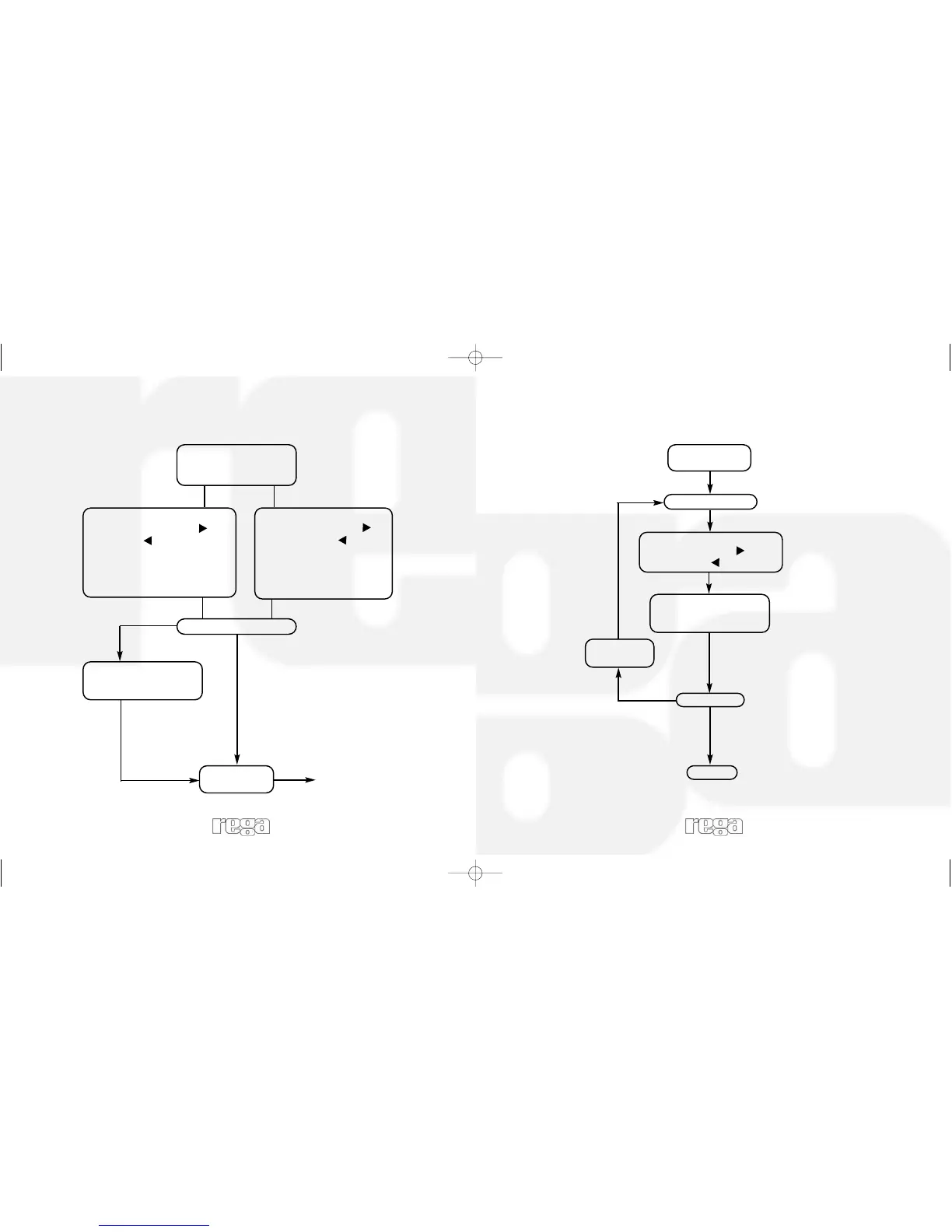
Select either Man(ual)
or Auto(matic) using
‘Mode Shift’ button
Tuning
Manual
Using preset forward ( ) or
backward ( ) buttons, select
your desired frequency directly.
A strong signal will be indicated
by the red 'Tuned' LED glowing
consistently and brightly.
Automatic
Using preset forward ( ) or
preset backward ( ) buttons,
press once to tune. The
Radio will automatically lock
on to a strong signal. Press
again to carry on searching.
Is signal clear?
YES
NO
Press 'Lock' button to
automatically fine tune
the signal
Program
Preset
Please see page 4
Select desired
frequency
Programming the Presets
Press Prog(ram)
Select preset location using
preset forward ( ) or
backward ( ) buttons
YES
NO
Select next
frequency
Finish
Press Prog(ram)
again to store frequency
in memory
Finished?



 To Next Page