3 4
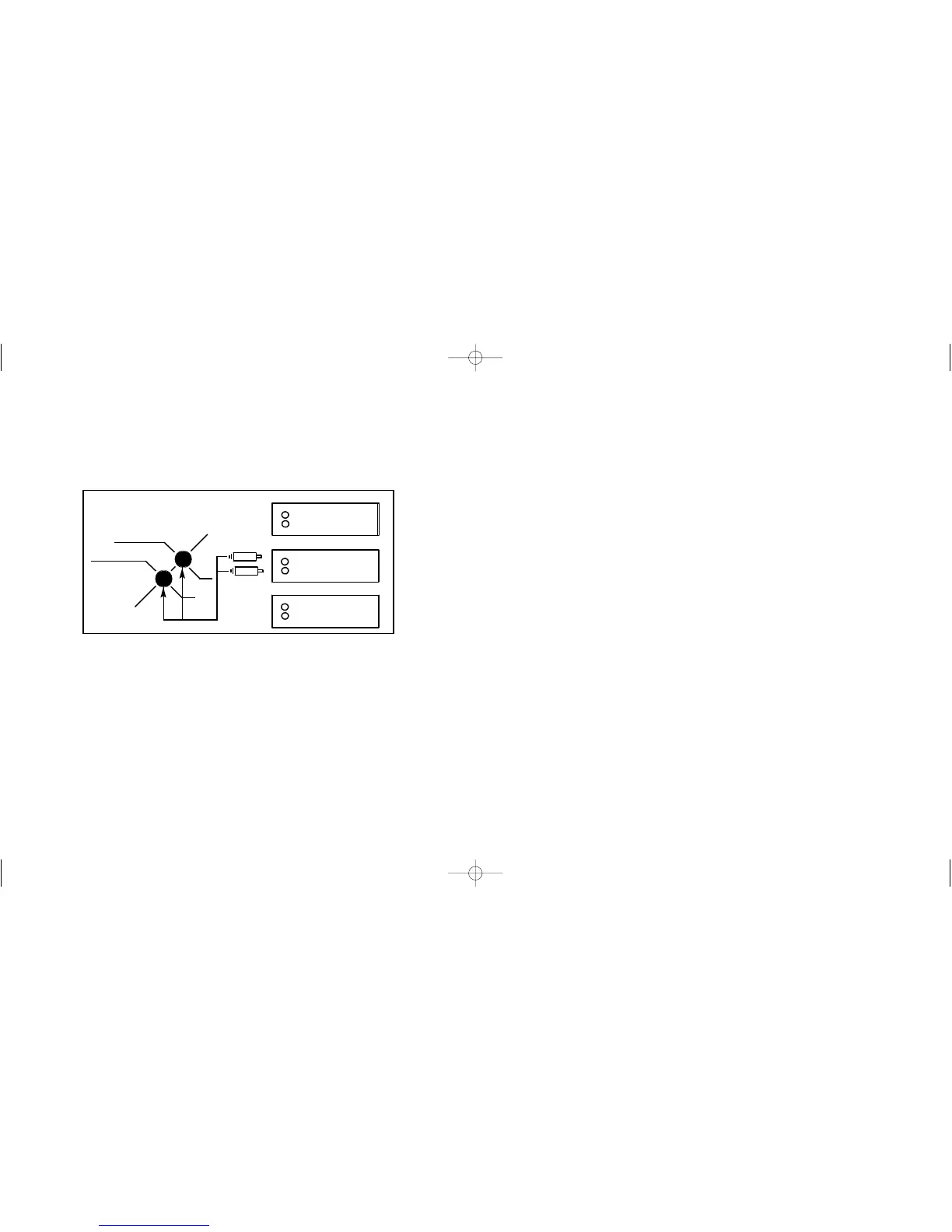
The second of these inputs is a dual channel, unbalanced, low level
input via a pair of phono sockets. Signals for this input would normally
be sourced from a processor. If this is unavailable the source can be
connected via pre amp outputs. i.e. Tape out. This method of
connection is recommended for AV systems.
If your Vulcan will be used with hi-fi and AV systems. Connect both
the high input and the low input for optimum performance. This will
allow you to easily switch between formats without having to adjust
the Vulcan after initial set up.
Setting Up
With the phase switch in position 1 (left) turn the frequency control
to 230 Hz and turn high and low level adjustments too minimum.
play some music with a known bass content. Adjust the high or low
level gain (depending on which input you’re are currently using) until
the level matches your main system output.
If you move the frequency control anticlockwise to minimum you will
notice that the bass will almost disappear because these low
frequencies are not boosted by the room. Once you have adjusted to
a level you are happy with you can then adjust the frequency to the
desired range.
Positioning
The Vulcan has been designed to be compact, stylish and
unobtrusive. It will work well wherever placed and this section will
give you a guideline as to positioning. All rooms have an effect on the
performance of any sub bass system, therefore placing your unit in
several positions initially and deciding on the best sonic and most
convenient position for your environment is recommended. Placing
the unit in a corner or adjacent to a structural wall often gives the best
results. Also please remember that your specialist rega retailer will
always be happy to advise you on the positioning of your Vulcan.


 To Next Page
 Loading...