8
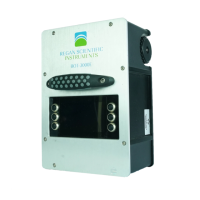
Figure 4
8. After each individual test run, a visual graph may be
displayed by pressing the “GRAPH” switch. Press the
switch again to return to the previous screen. NOTE: A
graph for each test run will be included in the pdf test result
file. These may be printed in hardcopy form from any PC or
MAC computer with a pdf (portable document file) reader
application.
9. Orient the device to each test starting position and
direction, then press the “GO” switch again. Repeat until all
fields are completed and the final result is indicated.
10. Press the “PRINT” switch to create a test result hardcopy
(data only).
11. The internally stored test data (with graphs and photos)
may be transferred to a USB flash drive by navigating to
“OPTIONS/USB”. To save download time, you may elect to
transfer only the test data collected since the LAST
download, or ALL of the stored test data. This may require
several minutes if there is a large amount of data stored.
You may also elect to DELETE all internally stored records


 To Next Page
 Loading...