ELECTRICAL SYSTEM OPERATION REGENCY ULTRA MOTORHOME
E l e c t r i c a l S y s t e m O p e r a t i o n | 47
SYSTEM MONITORING
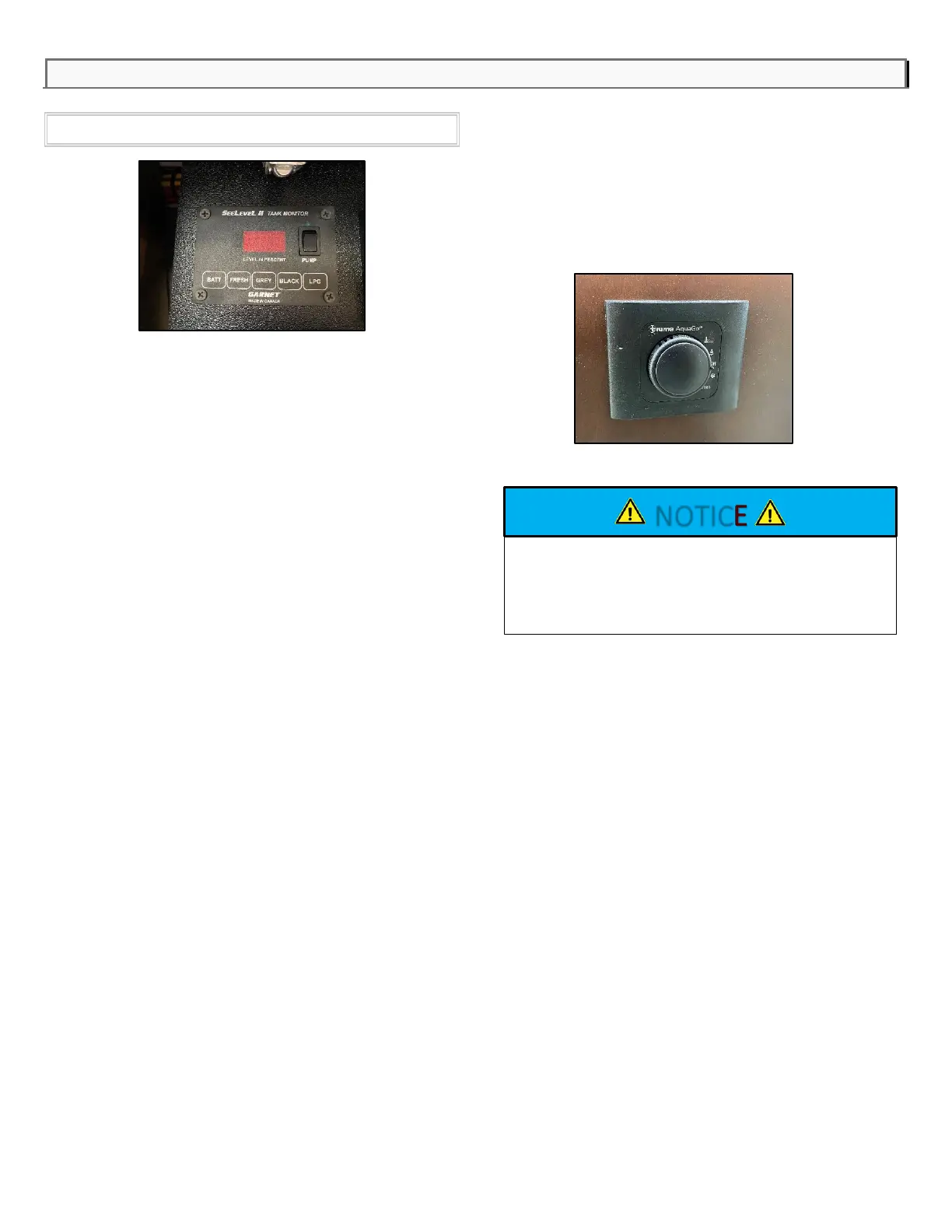
The system monitor panel, located in the cabinet
above the coach entrance doorway, monitors the
following systems:
Water Pump Switch
This switch controls the power to the water pump.
Press the top of the switch to turn on the water
pump, and press the bottom of the switch to turn off.
The switch light illuminates when the switch is in the
on position.
Tank Monitors
Depress the following switches to monitor the
level of the system capacity used/available on
the LED display:
- BATT
o Displays the battery power level
- FRESH
o Displays the fresh water holding tank
level
- GREY
o Displays the grey water holding tank
level
- BLACK
o Displays the black water holding tank
level
- LPG
o Displays the LP Gas Tank level
Water Heater Switch
This switch controls the power to the water
heater. Turn the switch to turn on the water and
turn the switch to turn it off.
This switch is located on the side of the kitchen
cabinet in most models.



 To Next Page