EasyManua.ls Logo

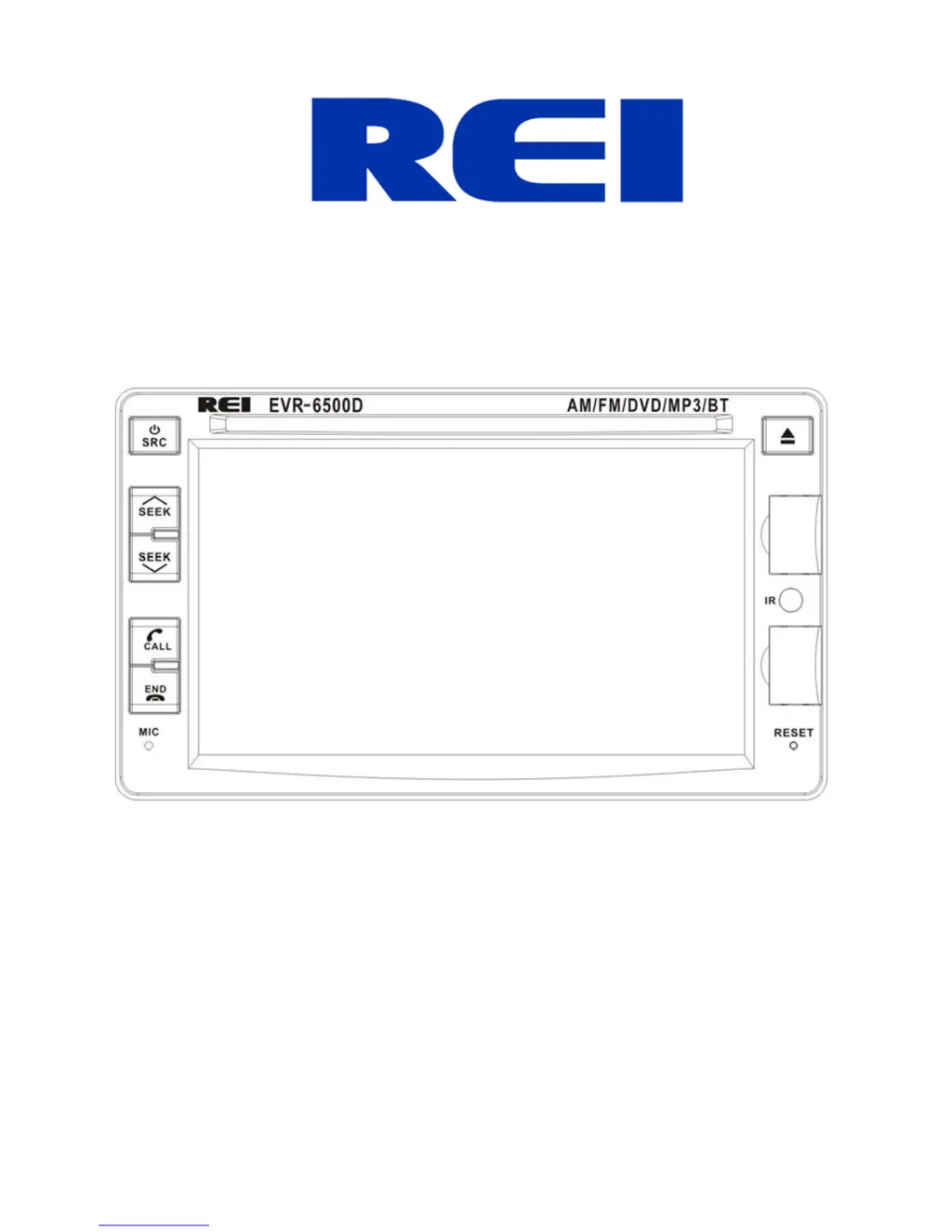
REI EVR-6500D - User Manual

REI EVR-6500D
36 pages
Print Icon
To Next Page IconTo Next Page
Loading...
6.2” Touch Screen AM/FM Multimedia Receiver with CD/DVD,
USB, iPod®, Auxiliary A/V Inputs, & Bluetooth® Audio Streaming
Installation/ Operation Manual
EVR-6500D

Questions and Answers

Summary

Front Controls and Indicators

Home Screen

General Setup

OSD Time On;Off

Controls the display of the clock on the front panel when video is enabled.

Camera Mirror On;Off

Reverses the input image from the backup camera.

GPS Mix On;Off

Reserved for future use.

GPS Info

Displays current GPS location status and sync settings for clock update.

Calibrate Screen

Calibrates the touch screen by touching crosshairs at changing locations.

Factory Set

Accesses factory setup options via a PIN, settings saved on master reset.

Logo Set

Allows changing the initial logo screen using a custom BMP file via microSD.

Volume Balance

Adjusts gain settings for various sources; recommended settings provided.

iPod Enable

Toggles the iPod® playback control icon ON/OFF on the Home screen.

Radio Area

Selects the region of operation for the AM/FM tuner.

Cam Bright

Selects the backlight brightness level for the backup camera image.

Version

Displays the current firmware version of the multimedia player.

Backlight Set

Customizes screen backlight brightness based on the time of day.

BT Enable On;Off

Toggles Bluetooth® discovery mode ON or OFF for the player.

Navigation Path

Setting the Time

Changing the Background

Connecting a Bluetooth Device

Bluetooth Phone Operation

Recent Calls

BT Set

Phonebook Button

Bluetooth Streaming Audio Button

AM;FM Operation

USB;microSD;CD Media Operation

iPod;iPhone Operation

DVD Operation

DVD Setup

TV System

Determines the video system of the output signal for the monitor.

Screensaver

Enables or disables the screen saver during STOP or PAUSE modes.

TV Type

Sets the appropriate aspect ratio (4:3 or 16:9) for the connected monitor.

Language Setup Menu

Default (Restore)

Restores system settings to initial factory defaults.

OSD Language

Sets the default language for On-Screen Display (OSD) messages.

Audio Lang

Sets the default language soundtrack for DVD discs.

Subtitle Lang

Sets the default subtitle language for DVD discs.

Menu Lang

Sets the default menu language for DVD discs.

DivX VOD

Not used for this model.

Video Setup Menu

Brightness

Adjusts the brightness of the video output.

Contrast

Adjusts the contrast of the video output.

Hue

Adjusts the hue of the video output.

Saturation

Adjusts the saturation of video output.

Sharpness

Adjusts the sharpness of the video output.

Speaker Setup Menu

Downmix

Selects the sound effect mode for 2-channel audio output.

Front

Controls audio output for different speaker configurations (Large/Small).

Digital Setup Menu

Back-up Camera Operation

Trouble Shooting

Radio Dimensions

Radio Installation

ISO Installation

Mounts radio without a DIN collar using chassis side panel threads.

Collar Installation

Installs the radio using a DIN collar for dash opening.

Radio Removal

Electrical Connections

Specifications

General Specifications

Covers operating voltage, current consumption, and trigger types.

FM Stereo Radio

Details frequency range, sensitivity, and response for FM radio.

AM Radio

Details frequency range and usable sensitivity for AM radio.

CD;DVD Player

Specifies signal/noise ratio, frequency response, and media formats.

Bluetooth

Lists Bluetooth version, frequency range, output power, and profiles.

USB Interface

Details USB standard, maximum current, and file system.

microSD Card Interface

Lists frequency response, file system, dynamic range, and distortion.

Auxiliary Input Specifications

Covers frequency response, max voltage, and input impedance.

Video Playback

Specifies format and video input/output level.

GPS

Details the frequency range for GPS reception.

Monitor

Lists screen size and resolution of the display.

REI EVR-6500D Specifications

General IconGeneral
BrandREI
ModelEVR-6500D
CategoryReceiver
LanguageEnglish

Related product manuals