EasyManua.ls Logo

REI ST-4000 - User Manual

REI ST-4000
6 pages
Print Icon
To Next Page IconTo Next Page
Loading...
12
Radio Engineering Industries, Inc.
www.radioeng.com
Rev A.3 Date: 02-28-13
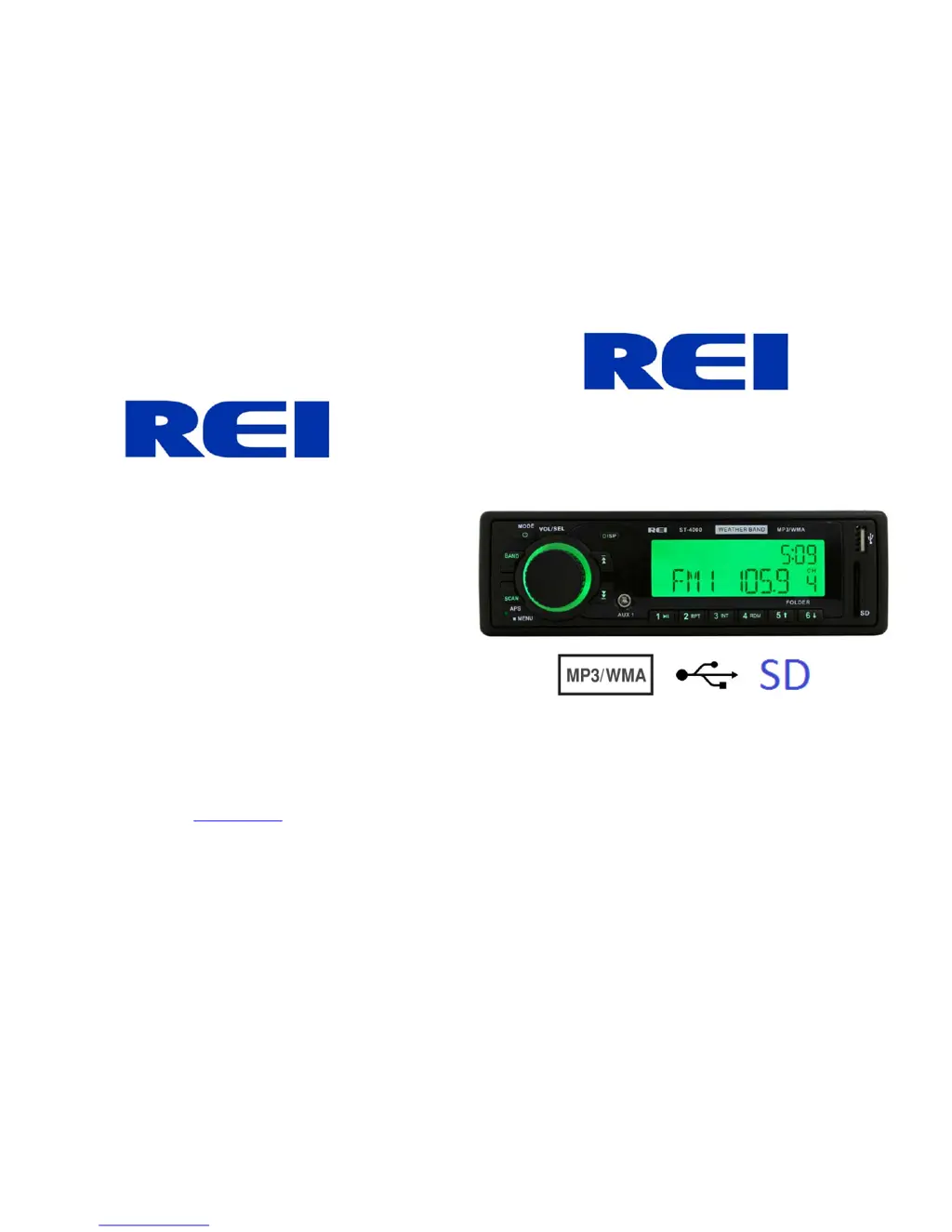
AM/FM Stereo USB/SD Weather Band Radio,
w/ Front-Panel Auxiliary Input and built in PA
Installation/Operation Manual
50W x 4 ST-4000

Questions and Answers

  • M
    Morgan MullinsAug 1, 2025
    What to do if my REI ST-4000 LCD Display says MIC and front controls are locked?
    • A
      April ClayAug 1, 2025
      If the LCD display on your REI Radio says 'MIC' and the front controls are locked, it means the PA system is triggered. Remove the microphone connection and verify correct pinning. If needed, replace the microphone.
  • T
    Tonya CarrilloAug 7, 2025
    Why is there no sound coming from my REI Radio?
    • J
      Jay ParkerAug 7, 2025
      If there is no sound coming from your REI Radio, the speakers might not be properly connected, or they might be connected with bad splices. Also, the speakers could be shorted to ground, or the total speaker load may not be within 4-8 ?/ch. Connect the speakers to the harness, check all spliced wires, and verify that the speakers are not shorted to the chassis. Also, verify the total speaker impedance and check the volume level.
  • C
    charlesdavidAug 13, 2025
    What to do if the power light does not turn on in my REI ST-4000?
    • E
      erin45Aug 13, 2025
      If the power light on your REI Radio does not turn on, it could be due to no power to the memory wire, no power to the ACC wire, or a blown fuse. Check for both ACC and battery voltage with a multimeter and check all fuses.
  • M
    Melissa HensleyAug 19, 2025
    Why public address cannot be heard over speakers in REI ST-4000?
    • R
      Robin ClineAug 19, 2025
      If the public address cannot be heard over the speakers in your REI Radio, it might be due to several reasons: * The microphone volume level is set to '0'. * The microphone is pinned incorrectly. * The wrong microphone type is being used. * The microphone is set to the wrong outputs. To resolve this, turn up the volume on the microphone when the LCD display shows 'MIC', check that the correct microphone type is connected, and verify the PA settings in the radio's menu.
  • C
    Craig BaldwinAug 26, 2025
    What to do if digital media won’t play or says “ERROR” and skips to “AUX” on my REI Radio?
    • K
      Kyle ClarkAug 26, 2025
      If digital media won’t play on your REI Radio, or if it displays 'ERROR' and skips to 'AUX', the media might be an unsupported file type. Encode the media with a supported file type, or use different software to encode the media.

Summary

Specifications

Audio Section

Details power supply, current, speaker impedance, and pre-output voltage.

Power Output

Specifies continuous and maximum power output with THD.

FM Tuner

Lists FM frequency range, sensitivity, and stereo separation.

AM Tuner

Lists AM frequency range, sensitivity, and signal to noise ratio.

Weather Band Tuner

Lists weather band frequency range, sensitivity, and signal to noise ratio.

SD;USB Interface

Details USB standard, current, file system, and media decoding formats.

Auxiliary Input Specifications

Provides input voltage and impedance for auxiliary inputs.

Dimensions

Specifies the physical dimensions of the chassis and nosepiece, and weight.

Service Hot Line

Radio Removal

Troubleshooting

Power Light Does Not Turn On

Covers issues with power light, checking fuses, and wiring connections.

No Sound

Addresses no sound issues, checking speaker connections, splices, and impedance.

Public Address Cannot Be Heard

Troubleshoots PA system issues related to microphone volume and settings.

LCD Display Locked

Explains issues when MIC and front controls are locked and PA system is triggered.

Cannot Tune Radio Stations

Addresses problems with tuning radio stations, antenna connection, and frequency steps.

Digital Media Playback Issues

Handles issues with digital media playback, unsupported file types, and encoding.

Controls and Indicators

Operation

Power On;Off Button

Instructions for turning the unit on and off, and button illumination.

Mode Button

How to select source modes like RADIO, USB, CARD, and AUX.

Volume;Select Knob

Details adjusting volume, selecting functions like BASS, TREB, BAL, FAD.

Band Button

Explains changing radio bands and confirming SETUP menu selections.

Auto Store; Preset Scan Button

Describes auto-programming stations and previewing all radio stations.

Tune;Seek Buttons

How to manually tune stations and seek available radio stations.

Auxiliary Input Jacks

Details front panel 3.5mm and rear RCA auxiliary input jacks for external devices.

Preset Memory;Recall Buttons

Instructions for selecting, storing, and scrolling through preset stations.

USB Input

How to insert a USB drive for automatic playback and notes on compatibility.

SD Card Input

How to insert an SD card for automatic playback.

DISP Button

Function to change display between Clock and Mode Information.

Reset Button

Used to clear the system in case of malfunction.

Required Radio Dimensions

Radio Installation

Radio Connections

Weather Band Mode

Radio System Menu

Radio Station Lock-Out

PA Operation

PA Microphone Inputs

Details the three PA microphone inputs and their priority over audio modes.

PA Volume Adjustment

Explains how PA microphone volume levels are adjusted and stored.

Backlighting Note

Information regarding backlighting behavior when ACC +12V power is applied or removed.

REI ST-4000 Specifications

General IconGeneral
BrandREI
ModelST-4000
CategoryRadio
LanguageEnglish

Related product manuals