Need help?
Do you have a question about the REI UHD816-EX230-K and is the answer not in the manual?
Provides contact details and operating hours for technical assistance.
Describes the physical ports and interface types for the matrix and receivers.
Provides details on the physical dimensions, weight, and housing materials.
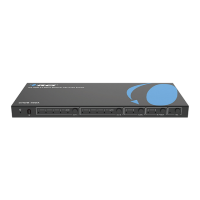
Details the function of each control button and status indicator on the front of the matrix.
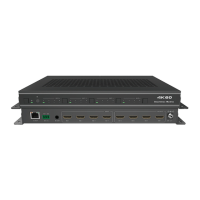
Identifies and describes the connectivity ports and power switch on the rear panel.
Details the ports and indicators on the individual CAT receiver units.
Defines the pinout for IR blaster and receiver cables for proper connection.
Displays the product model, firmware versions, and current network configuration.
Covers operations for managing video outputs, inputs, and saving/recalling presets.
Details how to manage input channels, including naming and EDID settings.
Explains how to configure output channel names, types, cable status, and stream.
Describes how to manage Consumer Electronics Control (CEC) for input and output devices.
Guides users on setting up network parameters like IP address and login credentials.
Covers system-level functions such as panel lock, beep, firmware updates, and resets.
Provides RS-232 commands for system functions like help, status, and factory reset.
Lists RS-232 commands for managing output streams and CAT cable distance settings.
Details RS-232 commands for setting and retrieving EDID information for input ports.
Provides RS-232 commands for controlling input devices using CEC functions.
Lists RS-232 commands for configuring network settings and IP modes.
 General
| Brand | REI |
|---|---|
| Model | UHD816-EX230-K |
| Category | Matrix Switcher |
| Language | English |


 To Next Page