EasyManua.ls Logo

Reichert PHOROPTOR - User Manual

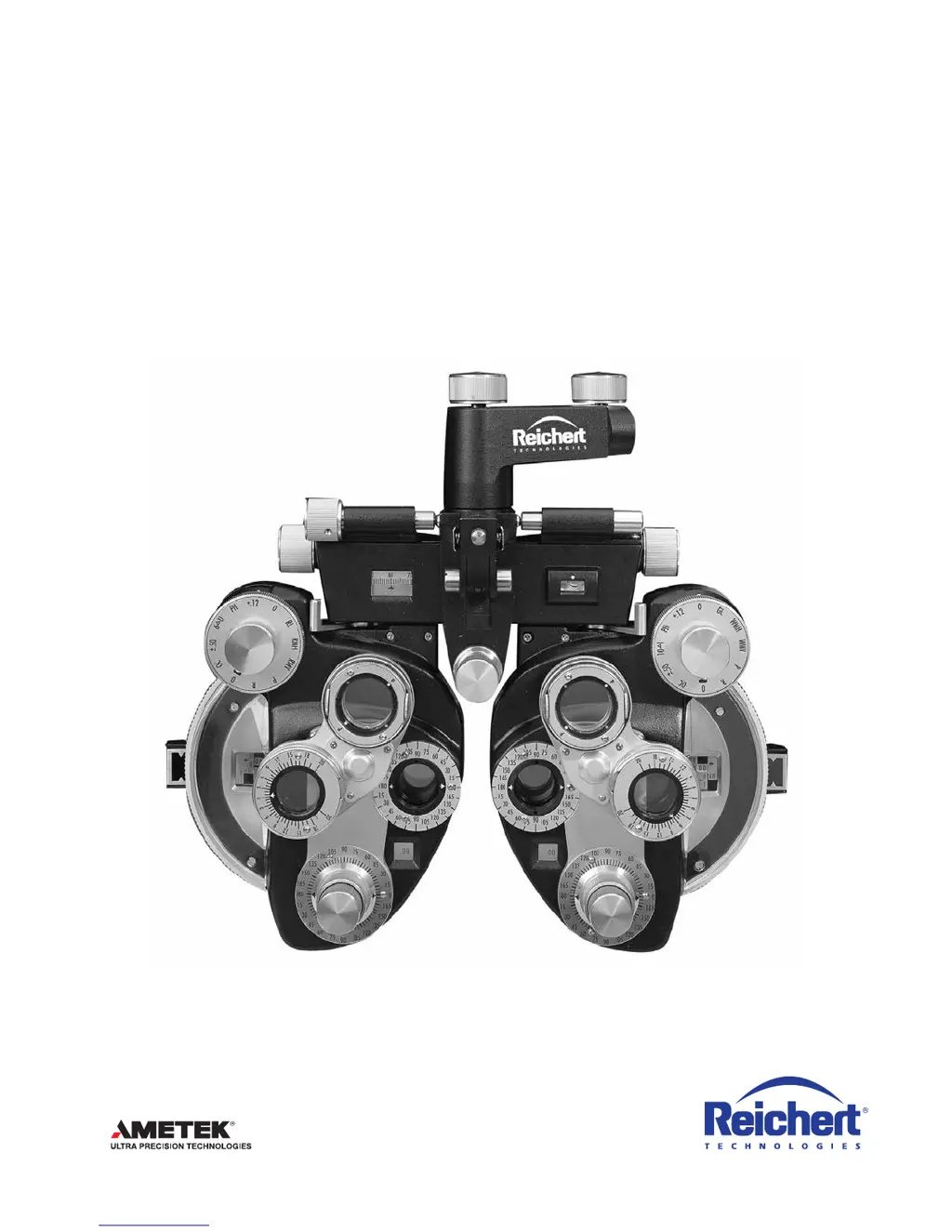
Reichert PHOROPTOR
40 pages
Print Icon
To Next Page IconTo Next Page
Loading...
REICHERT
®
PHOROPTOR
®
Refracting Instrument
Users Guide

Questions and Answers

  • T
    Terry ClineJul 28, 2025
    How to fix Reichert PHOROPTOR Camera Accessories light that does not turn on?
    • D
      David CurryJul 28, 2025
      If the light on your Reichert Camera Accessories (Illuminated Phoroptor) isn't turning on, first check that the male connector is fully inserted into the female connector on the mounting bracket. Next, make sure the power adapter is plugged into an outlet providing the correct input voltage. Finally, verify that the Rheostat Control knob isn't turned all the way down; if it is, turn it up.
  • S
    Sheila MosleyAug 3, 2025
    What to do if Cylinder Power Knob is too loose or tight on Reichert PHOROPTOR Camera Accessories?
    • E
      espinozakennethAug 3, 2025
      If the Cylinder Power Knob on your Reichert Camera Accessories is too loose or too tight, use a standard Allen wrench (not provided) to carefully tighten or loosen the coordinating screw located on the bottom of the phoroptor. Be cautious not to overtighten or loosen the screw.
  • F
    Frank BensonAug 12, 2025
    What to do if Weak Sphere Dial is too loose or tight on Reichert PHOROPTOR Camera Accessories?
    • J
      John HuffAug 12, 2025
      If the Weak Sphere Dial on your Reichert Camera Accessories is too loose or too tight, use a standard Allen wrench (not provided) to carefully tighten or loosen the coordinating screw located on the bottom of the phoroptor. Be cautious not to overtighten or loosen the screw.
  • B
    Brandi HarrisAug 19, 2025
    What to do if Auxiliary Lens Scale is too loose or tight on Reichert Camera Accessories?
    • A
      Adrian MartinSep 12, 2025
      If the Auxiliary Lens Scale on your Reichert Camera Accessories is too loose or too tight, use a standard Allen wrench (not provided) to carefully tighten or loosen the coordinating screw located on the bottom of the phoroptor. Be cautious not to overtighten or loosen the screw.

Summary

Safety and Introduction

Warnings and Cautions

Critical safety warnings regarding operation, electrical hazards, and product care.

Symbol Information

Explanation of symbols used in the manual and on the instrument.

Introduction and Usage Guidelines

Overview of the Phoroptor, its intended uses, and contact information.

Instrument Setup

Unpacking Instructions and Accessories

Steps for safely unpacking the Phoroptor and listing included accessories.

Parts Identification

Detailed identification of the Phoroptor's components from front, back, and illuminated views.

Assembly and Connection

Procedures for attaching the Phoroptor to a stand and connecting power.

Component Attachment and Leveling

Instructions for attaching face shields, Rotochart, reading rod, and leveling.

Operation and Measurements

Operating Principle

Explanation of how the Phoroptor works and its main controls.

Preparation for Refraction

Steps to prepare the patient and environment for eye examination.

Optical Corneal Aligning Device

Guide on using the optical corneal aligning device for accurate measurements.

Measurement Procedures

Detailed steps for taking distance and near measurements.

Sphere and Cylinder Dial Operation

How to use sphere and cylinder dials for refractive correction.

Auxiliary Lenses, Prisms, and Cross Cylinders

Using auxiliary lens dial, rotary prisms, and cross cylinders.

Jackson Cross Cylinder Tests

Performing axis and power checks using the cross cylinder.

Maintenance and Troubleshooting

Cleaning Procedures

General cleaning guidelines for the Phoroptor and its components.

Lens and Assembly Replacement

Steps for replacing auxiliary lenses and cross cylinder assemblies.

Instrument Adjustments

Procedures for adjusting reading rod tension and dial rotation tension.

Troubleshooting

Solutions for common issues encountered during Phoroptor operation.

Specifications and Warranty

Specifications

Technical details, dimensions, electrical, and operational specifications.

Storage, Disposal, and Warranty

Guidelines for instrument storage, disposal, and warranty coverage.

Reichert PHOROPTOR Specifications

General IconGeneral
BrandReichert
ModelPHOROPTOR
CategoryCamera Accessories
LanguageEnglish