13
Stereo connecon (Powered Speaker connecon)
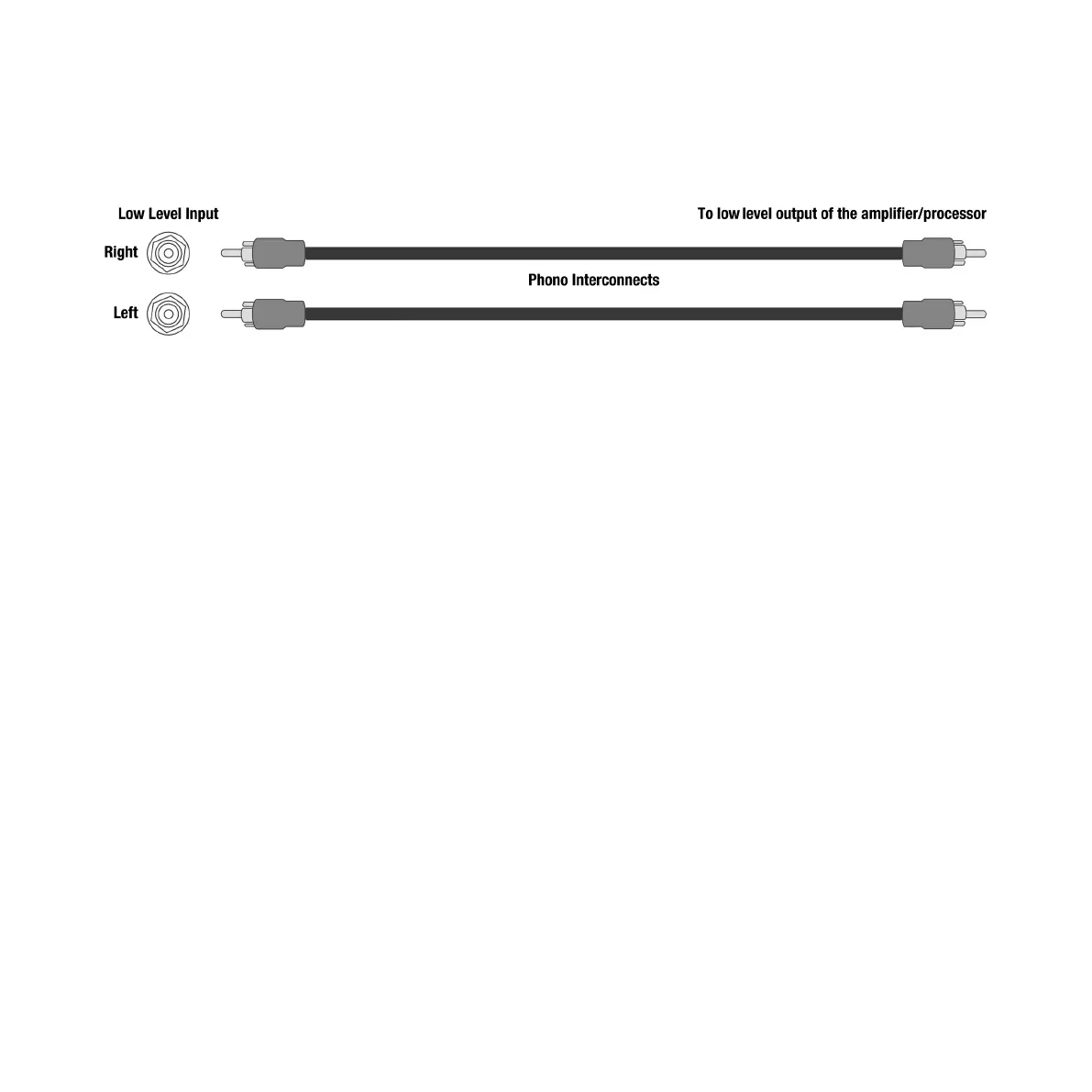
Connect RCA from output to right input for mono or both le and right for stereo.
• Adjust CROSSOVER control to 30Hz (minimum).
• Adjust LEVEL control to 1/4 of the rotaon up from minimum seng.
• Plug in AC cord.
• Power on with switch next to AC input.
• Set toggle above power switch to ALWAYS ON.
• Fine tune LEVEL control to blend with powered speakers.
• Fine tune CROSSOVER control to blend.
• Note that CROSSOVER and LEVEL become inverse. Meaning, as you turn up the CROSSOVER, you will
need to turn down the LEVEL.
• DO NOT TURN CROSSOVER UP PAST 1/2 the rotaon. Doing so is unnecessary and may result in
damage to the driver.
• Place carefully: While your REL has been designed to be extremely easy to posion and achieve
excellent results, careful placement along the same wall as the screen will yield improvements.
Listen for increases in deep bass output as well as precision of bass notes when seng up
Phase Orientaon
Once connected, we need to adjust for phase. This may be the single most crical step, and because it really
is quite simple, it is oen over-thought. Keep in mind; the right phase is whichever posion is the loudest or
fullest. While playing music with true low bass, adjust the crossover to a point where the REL and the speaker
are sure to share frequencies at 50Hz on the crossover control, or slightly higher for smaller speakers. At
this point turn the LEVEL control up so that both the REL and speaker are roughly equal in volume and then


 To Next Page
 Loading...