Adjustment Mode
6
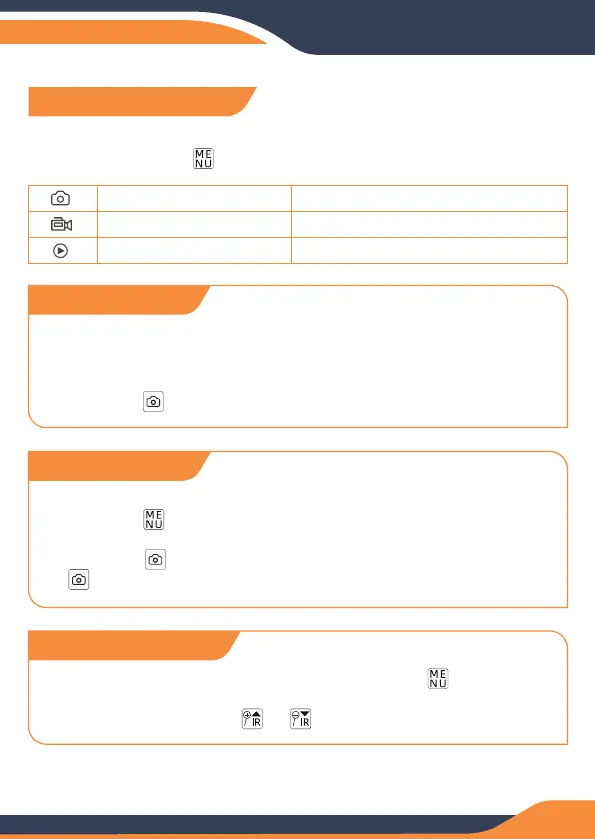
The night vision binoculars have 3 modes and you can switch between
them by pressing the button.
Photo Mode
Video Mode
Playback Mode
Take photo
Video recording
Play back pictures/video
Adjustment Mode
1. The default is video mode after power on, please press the
button to switch to photo mode. The icon will appear in the top
left corner of the screen.
2. Press the button to take a picture.
Photo Mode
1. The default is video mode after power on, if not video mode, please
press the button and select the video mode. The icon will
appear in the top right corner of the screen.
2. Press the button to start recording the video and press the
button again to stop recording.
Video Mode
1. Watching Stored Videos and Photos: Press the button and
select playback mode. You may then toggle through your saved
photos/videos with the or buttons.
Playback Mode


 To Next Page