EasyManua.ls Logo

Relyon plasma piezobrush PZ2-i - User Manual

Default Icon
62 pages
Print Icon
To Next Page IconTo Next Page
Loading...
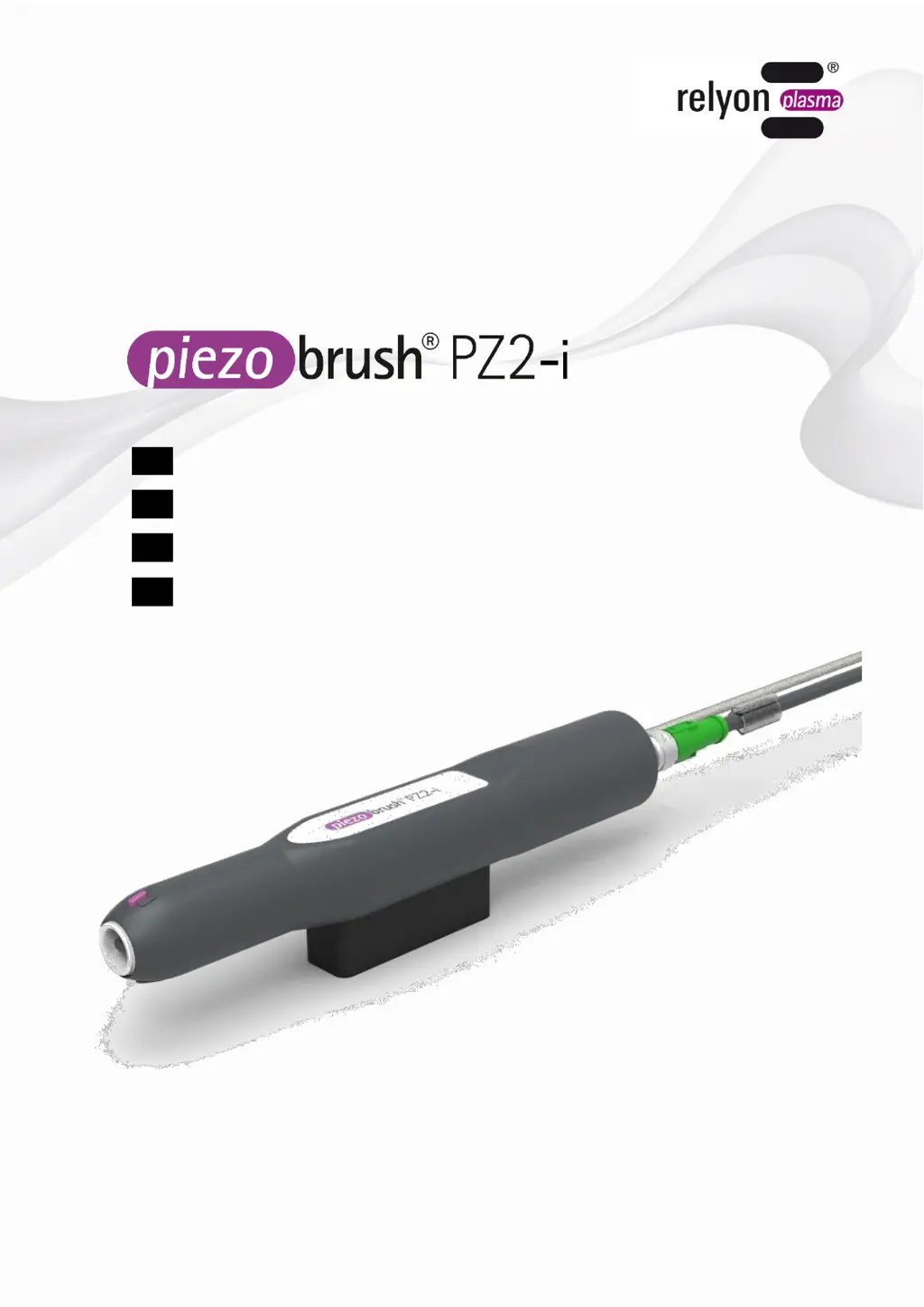
EN Operating instructions for piezobrush
®
PZ2-i integration unit
DE Betriebsanleitung piezobrush
®
PZ2-i Integrationseinheit
FR Notice d'utilisation de l'unité d'intégration piezobrush® PZ2-i
ES Manual de instrucciones de la unidad de integración
piezobrush® PZ2-i
BA-PZ2-i_ML / F0353800 / 04_17
www.relyon-plasma.com
All rights reserved

Table of Contents

Questions and Answers

  • A
    Anthony RobinsonJul 30, 2025
    What to do if my Relyon plasma piezobrush PZ2-i won't turn on or plasma stops?
    • D
      Douglas RiveraJul 31, 2025
      If your Relyon plasma Laboratory Equipment won't activate or the plasma stops during use, several issues could be the cause. First, ensure the mains plug is correctly seated and not defective; replace it if necessary. Check the mains fuse. Also, the power supply unit might be connected incorrectly, so check the 'DC OK' lamp and connection assignment. If overheating is the problem, allow the plasma generator to cool down and ensure sufficient gas flow. In case of an internal error, try de-energizing the device and then switching it back on. If the piezo crystal is broken or the plasma generator is defective, contact customer service.

Summary

Safety

Electrical Safety Precautions

Details critical precautions regarding electrical voltage and handling damaged components.

Impermissible Operating Conditions

Ozone Emissions and Ventilation Recommendations

Machine Description

Device Component Overview

Connecting Lead Wiring Diagram

Power Supply Unit Connection Guide

Technical Specifications

Installation Procedure

Step-by-Step Installation Guide

Provides a sequential guide for installing the plasma generator, including critical warnings.

Operation and Maintenance

Device Operation Instructions

Instructions on how to operate the device safely and effectively, including usage notes.

Troubleshooting Common Issues

Fault Diagnosis and Solutions

Lists common faults, their causes, and recommended solutions for troubleshooting the device.

Relyon plasma piezobrush PZ2-i Specifications

General IconGeneral
Input Voltage24 V DC
Process GasAir or Nitrogen
Operating Temperature5-40 °C
Protection ClassIP20
TechnologyPiezoelectric Direct Discharge
Power SupplyExternal power adapter
Power ConsumptionApprox. 30 W
Nozzle MaterialCeramic
Humidity80% relative humidity, non-condensing