6
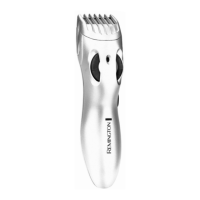
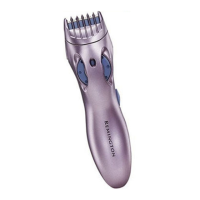
HAIR LENGTH SELECTOR AND REMOVABLE TRIMMER
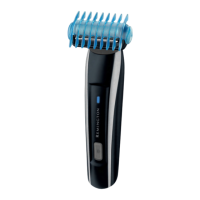
COMB ATTACHMENT
Note: The Trimmer Comb must be attached to the Trimmer in order to use the
hair length selector.
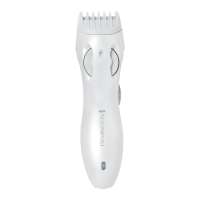
The hair length selector and adjustable trimmer comb attachment ensures
precise trimming and has five adjustable positions:
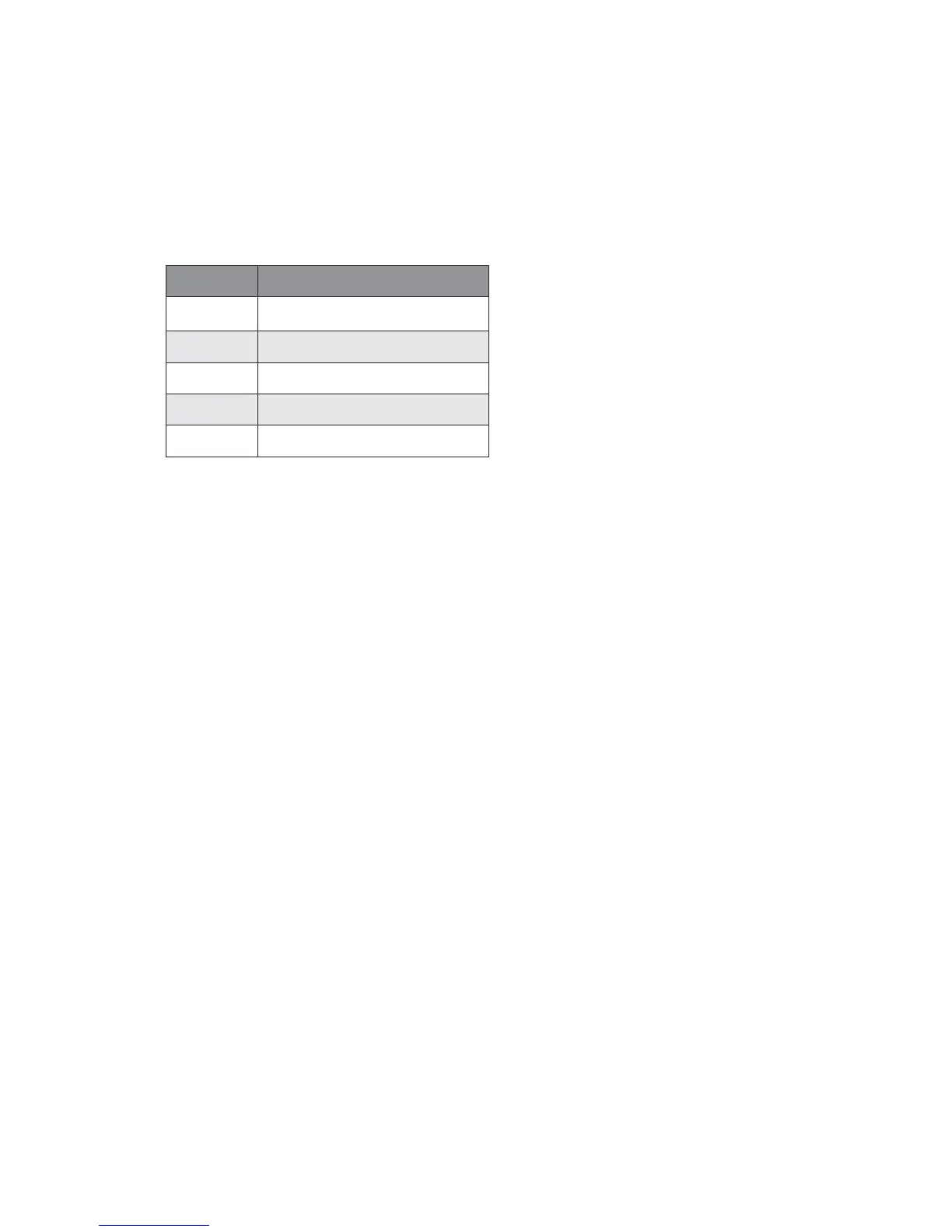
Setting Hair Length
1 Short – 3mm
2
3 Medium – 7mm
4
5 Long – 12mm
% Roll the ‘Thumb Wheel’ anti-clockwise to adjust for a longer length. Roll
it clockwise to adjust for a shorter length. The wheel will click into one
of five positions.
% Begin trimming at one of the longest settings - #4 or #5 – to avoid
accidentally trimming hair too short. As you become familiar with the
settings, you can then select your desired length setting.
TRIMMER COMB ATTACHMENT
Remove the adjustable trimmer comb attachment if you are defining hairline
edges for shaping and trimming, or if you want to clean the cutter assembly.
To remove:
% Be sure that the trimmer switch is in the off position.
% While holding the trimmer in one hand with your thumb on the ‘Thumb
Wheel’ to prevent it from turning, gently pull the trimmer comb
attachment away from the trimmer. The comb can be removed and
replaced on any setting.
To replace:
% Be sure that the trimmer switch is in the off position.
% While holding the trimmer in one hand with your thumb on the ‘Thumb
Wheel’ to prevent it from turning, slide the comb over the top of the
trimmer until it ‘clicks’ into position.
Note: The trimmer comb attachment can only be placed on the trimmer
one way; if it does not fit properly, remove and reverse it.





 To Next Page