6
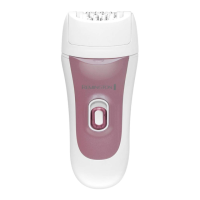
DETAIL CAP
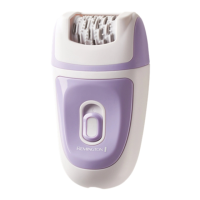
• The detail cap is designed for small areas (including the face) and spot treatments.
• Ensure the epilator is switched o.
• Remove the Ultimate Contour or Massage Cap.
• Place the Detail Cap into the appropriate slots at the top of the epilator.
• Gently press the Detail Cap into place until you hear a “click”.
MASSAGE CAP WITH ALOE VERA
• The Massage Cap is designed for gentler epilation.
• Ensure the epilator is switched o.
• Remove the Ultimate Contour or Detail Cap.
• Place the Massage Cap into the appropriate slots at the top of the epilator.
• Gently press the Detail Cap into place until you hear a “click”.
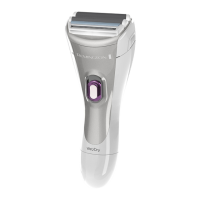
SHAVER HEAD
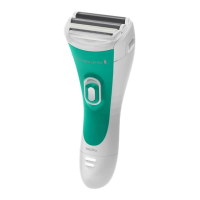
• The shaver head provides a close shave for sensitive areas.
• Ensure the epilator is switched o.
• Press the head release button and remove the epilator head.
• Attach the shaver head until it clicks into place.
• Hold the shaver head at a 90° angle to the skin and move against the direction of
hair growth.
TRIMMING AND SHAPING
1. Attach the bikini comb to the shaver head.
2. Hold the shaver at a right angle to your skin and press down gently.
3. Edge and shape the areas as desired.
CAUTION
• For your protection your epilator may slow down or even stop if pressed too rmly
against the skin.
• Do not use the epilating head on irritated skin or skin with varicose veins, rashes,
spots, moles or wounds without consulting a doctor. People with reduced immune
response e.g. during pregnancy, or people who suer from diabetes mellitus,
haemophilia or immunodeciency should also consult their doctor before using
this product.
• For hygiene reasons do not let another person use your epilator. It is recommended
for use by one person only.


 To Next Page
 Loading...