1.78
VEHICLE SETTINGS CUSTOMISATION MENU (1/2)
Adjusting the settings
Select the function to modify:
a) Free wheel in ECO mode;
(please refer to the information on
“Driving advice, ECO-driving” in
Section 2)
b) Unlock driver door only
c) Auto door lock while driving;
d) Use handsfree card: open/close;
e) Indicator sound volume;
f) Internal welcome sound;
g) External welcome;
h) Automatic Cabin Light;
i) Rear wiper when rear gear engaged;
j) Driving style indicator;
k) Active noise control;
Select “ON” or “OFF” to activate or de-
activate the function.
Depending on the vehicle equipment,
this function allows you to activate/de-
activate and adjust some of the vehi-
cle’s functions.
Vehicles fitted with a
navigation system
Accessing the settings menu
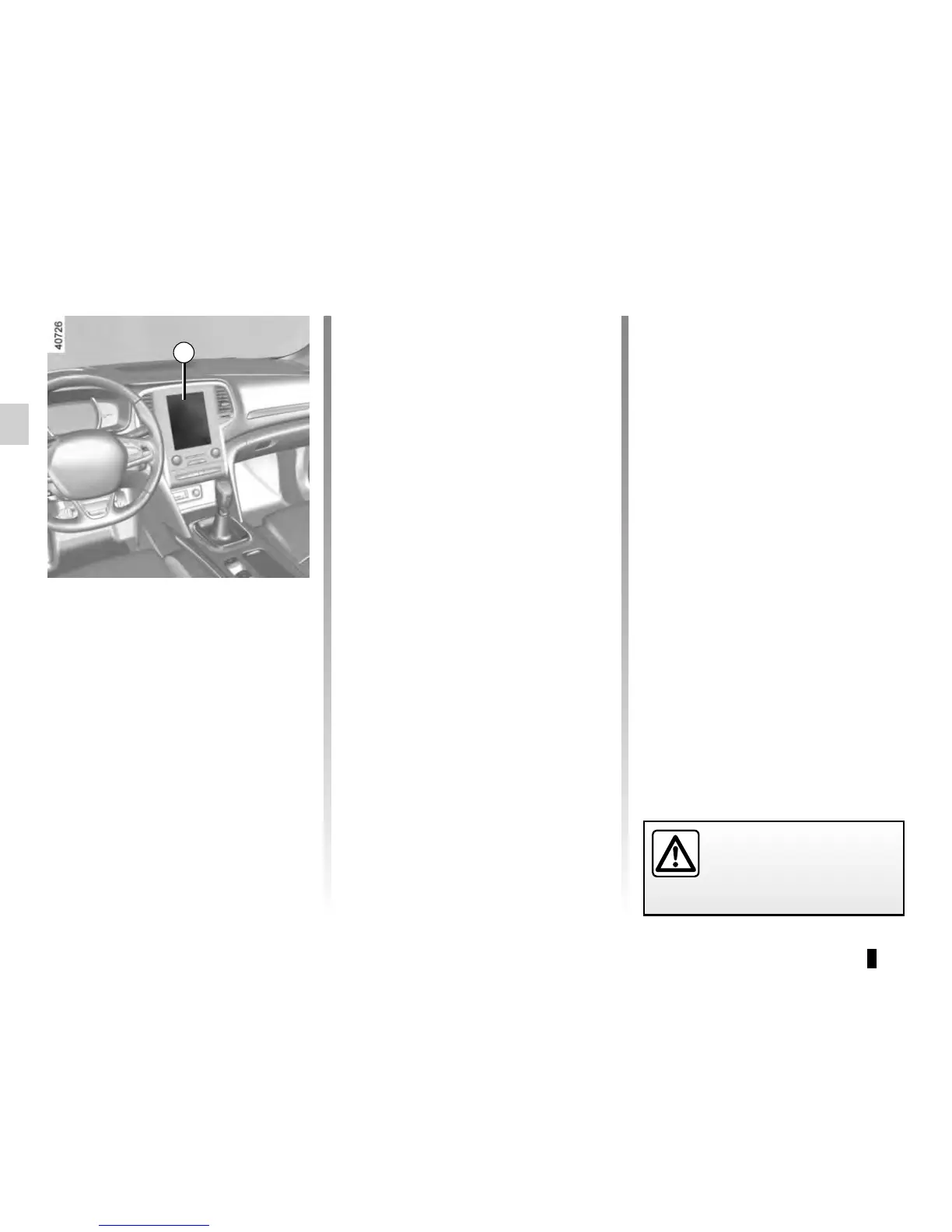
With the vehicle at a standstill, using
the multifunction screen 1, select menu
“Vehicle”, “User settings” to access the
various settings.
1
For safety reasons, carry
out any adjustments when
the vehicle is stationary.





 To Next Page