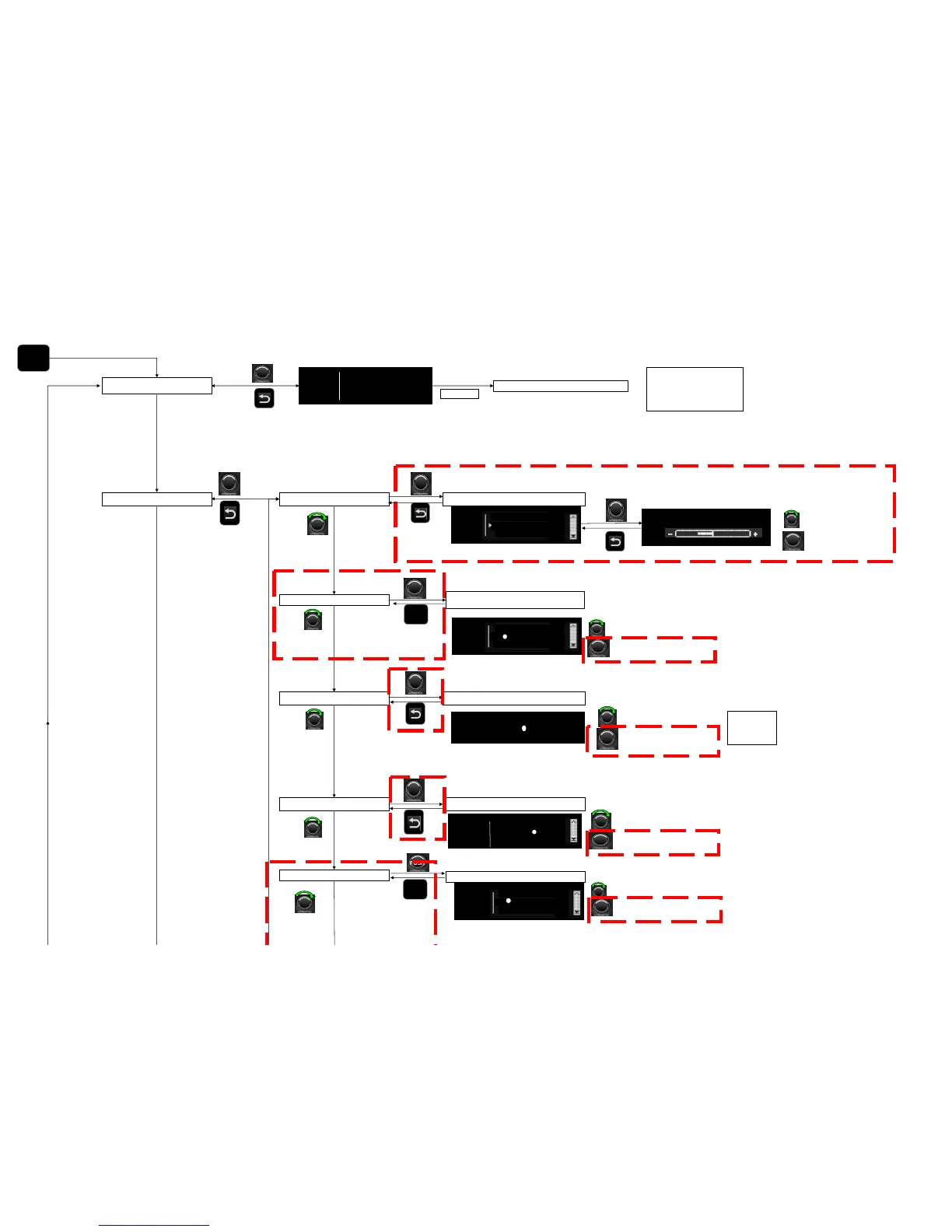
Change attribute -5 to +5
to validate
Parameters are : Bass, Treble, Balance, Fader (and go back to previous screen)
MENU
RADIO TEXT
PUSH
RADIO
TEXT
Return to current Audio source
Tempo ..
Current FM station name
XXXXXXXXXXXX
YYYYYYYYYY
Radio text displays up to 64 characters
Radio text of the current FM radio
station listened
If no information available, display "No
message"
Settings
LOW - 300 mV
MID - 600 mV
HIGH - 1200 mV
Renault values)
Audio Bass, Treble, Balance, Fader
AUX IN LOW/MID/HI
SPEED VOLUME Set 0 - 5 (0 is OFF)
Switch to the other line
PUSH
To validate (and go back to
previous screen)
Speed vol.
0
1
2
O
O
Switch to the other line
PUSH
To validate (and go back to
previous screen)
PUSH
PUSH
PUSH
PUSH
MID
LOW
AUX IN
O
O
HIGH



 To Next Page