STAGE 1
Pair the Bluetooth telephone with the vehicle
Conventional Bluetooth pairing enables the customer to make telephone calls and listen to music from his
smartphone (if compatible).
Bluetooth pairing process:
From the Easy Link main screen:
Click on
– Press “Telephone”. A message is displayed on the screen suggesting the pairing of a telephone
– Press “Yes”. The multimedia system searches for telephones with Bluetooth® activated and visible close by
– Select the telephone from the list
STAGE 2
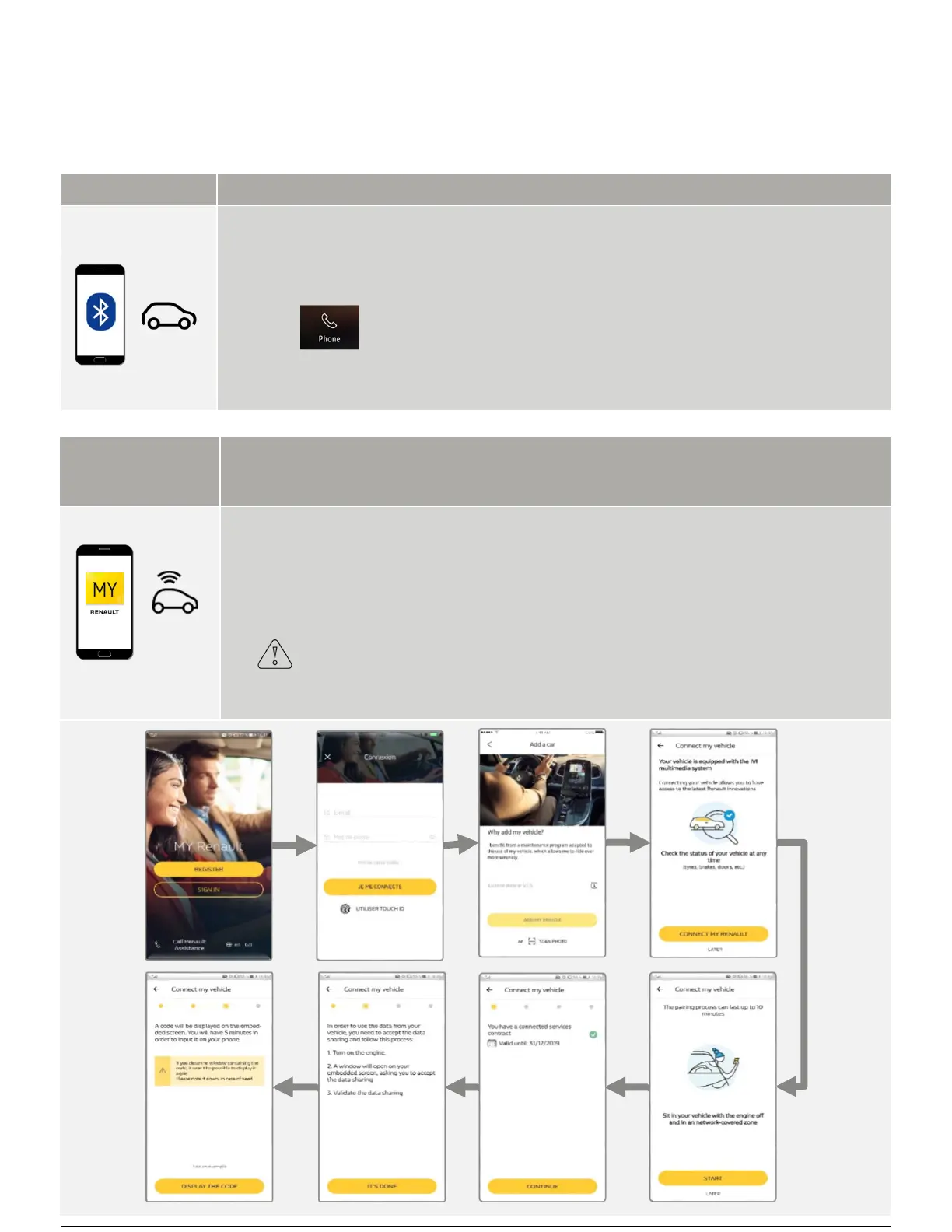
Synchronize the MY Renault app previously installed
on the customer's smartphone with the vehicle
The MY Renault smartphone app lets the customer consult information concerning his vehicle, such as:
- Locate your vehicle and be guided to it on foot
- Enter a destination in MY Renault and send it to your vehicle
- Go to your final destination on foot after parking
Before starting, you must make sure that:
- You have activated vehicle connectivity and checked that data sharing is authorized (description on
page 2)
- A MY Renault account has been created
- The MY Renault app is installed on the customer’s smartphone
- You have the customer’s MY Renault identifiers
- Being in a coverage network area
Stage 3 handover:
first stages to be carried out with the customer
EASY LINK SYSTEM HANDOVER



 To Next Page