8
ACCESSING THE VEHICLE
With the RENAULT card on you (even left in your
pocket, bag, etc.) you can:
– automatic unlocking by pressing on the locking/
unlocking button on one of the front door han-
dles or the boot;
– automatic locking by pressing on the locking/un-
locking button on one of the front doors or the
boot.
Note: If required, you can use the manual mode
or built-in key. To gain access to the built-in key,
please see Section 1 of the driver’s handbook.
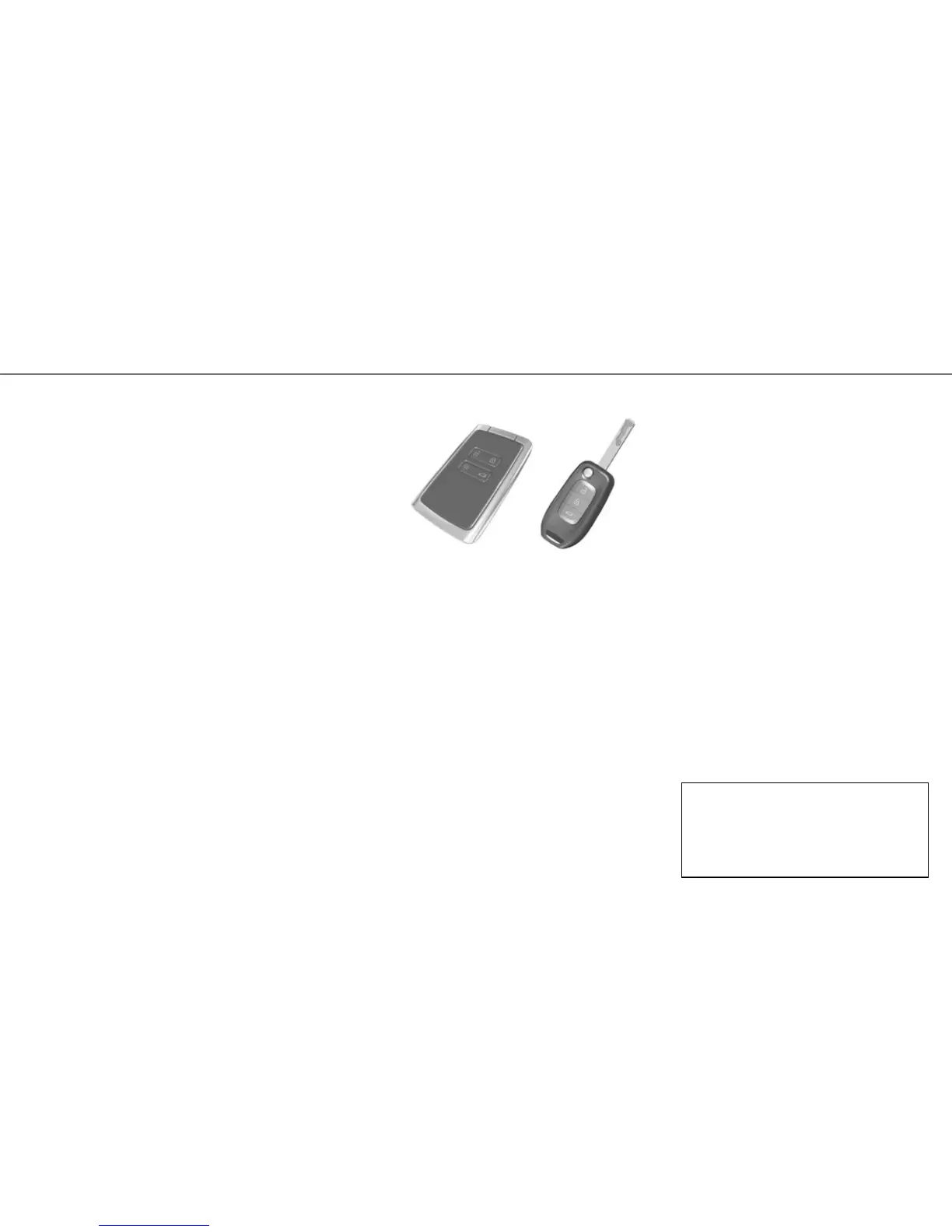
RENAULT Card version
The RENAULT Card system replaces the traditional
key. Locking/unlocking the vehicle is simple: as
long as it is nearby, a single press on the handle
button of either front door is enough.
For special notes relating to this system, refer to
Section 1 of your driver’s handbook.
SPECIAL FEATURES
The detection zone of the card, necessary for lock-
ing and unlocking the vehicle, depends on the sur-
rounding environment or location of the card.
RENAULT Card/remote
control key
Press:
‡
to unlock;
…
to lock;
ˆ
to switch on/off the dipped beam headlights,
the side indicator lights and the interior lighting re-
motely (in order to make out your vehicle in a car
park, for example);
†
to lock/unlock the tailgate compartment only.
NOTE
– Two flashes of the direction indicator lights con-
firm locking;
– one flash of the direction indicator lights con-
firms unlocking.
SPECIAL NOTE
…
For vehicles equipped with deadlocking,
pressing this button twice in succession prevents
the doors from being unlocked, even from the
inside.
Never leave the RENAULT Card in the vehicle or
near to any electrical equipment (computers,
telephones, etc.) which could affect its opera-
tion.










 To Next Page