clock .....................................................(up to the end of the DU)
clock .....................................................(up to the end of the DU)
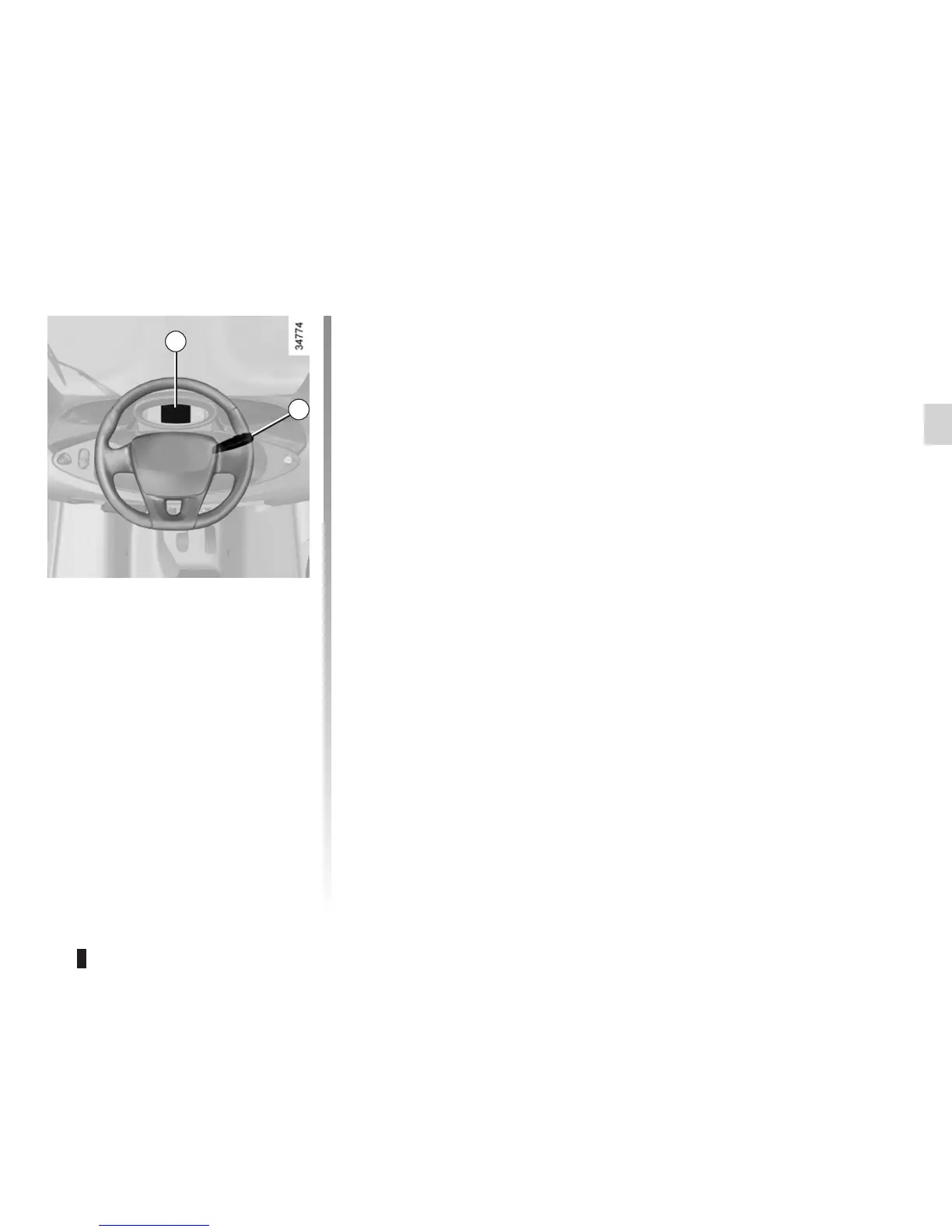
With the ignition switched on, the
clock is displayed on the instrument
panel.
Adjusting the time on the
instrument panel 1
– Press button 2 in quick succession,
as many times as necessary, to
obtain the time adjustment mode;
– press and hold button 2.
The hour reading flashes;
CLOCK
– repeatedly press button 2 as neces-
sary to adjust the hour;
– press and hold button 2 to confirm
the hours.
The minute display flashes;
– repeatedly press button 2 as neces-
sary to adjust the minutes;
– press and hold button 2 to confirm
the minutes.
1
2













 To Next Page