EasyManua.ls Logo

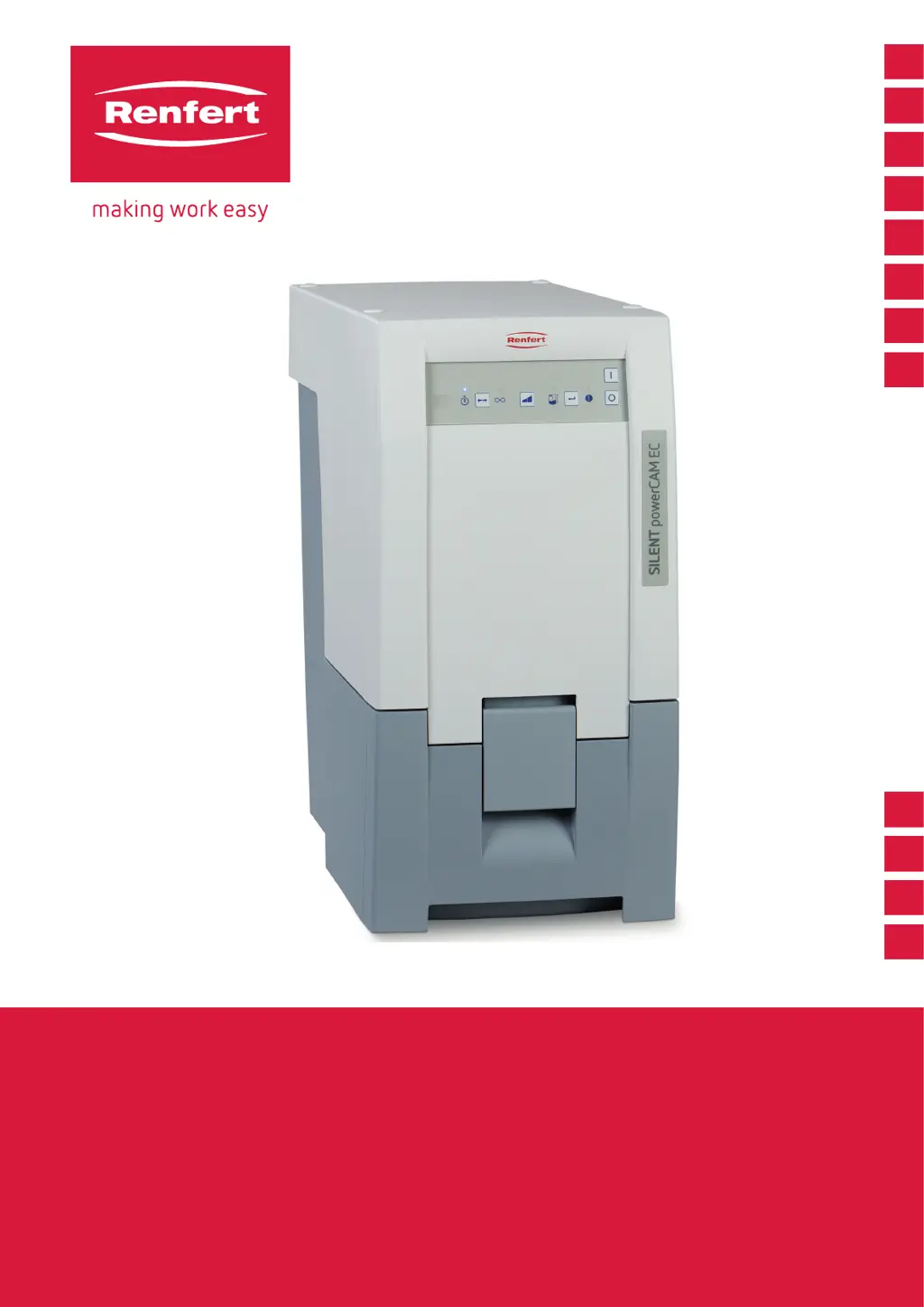
Renfert SILENT powerCAM EC - User Manual

Renfert SILENT powerCAM EC
104 pages
Go to English
Print Icon
To Next Page IconTo Next Page
Loading...
AR
KO
JA
ZH
RU
TR
PT
ES
IT
FR
EN
DE
Quick Start Guide
Made in Germany
SILENT powerCAM EC
21-6845 29012021

Other manuals for Renfert SILENT powerCAM EC

Questions and Answers

  • S
    Scott BatesAug 17, 2025
    What to do if the dust drawer display lights up with 3 beeps on my Renfert SILENT powerCAM EC Scrubber?
    • L
      Linda ParkerAug 17, 2025
      If the dust drawer display lights up and you hear three beeps after switching on the Renfert Scrubber, it means the time for emptying the dust drawer has passed, but it hasn't been emptied yet, or emptying hasn't been confirmed. To resolve this, empty the dust drawer and confirm by pressing the enter key.
  • J
    Jenny HancockAug 20, 2025
    Why is the suction performance insufficient on my Renfert SILENT powerCAM EC?
    • L
      laura99Aug 20, 2025
      If the suction performance of your Renfert Scrubber is insufficient, it could be due to several reasons. You might have selected a suction force that's too low, so try selecting a higher suction level. Also, check the suction tube for any blockages or leaks. Ensure the dust drawer is airtight and correctly positioned. Lastly, the fine filter might be full; if cleaning it doesn't help, replace it.
  • V
    vcookAug 22, 2025
    What does it mean when all 4 displays flash on my Renfert SILENT powerCAM EC?
    • A
      Angela PearsonAug 22, 2025
      If all 4 displays on your Renfert Scrubber are flashing, it could indicate an error in the electronics or that the suction turbine isn't working. Also, check that the dust drawer is correctly inserted to prevent leakage. If the suction turbine does not operate, after changing the suction turbine, check the plug contact of the suction turbine.
  • M
    Melissa PerryAug 25, 2025
    Why does the suction stop abruptly on my Renfert SILENT powerCAM EC Scrubber?
    • O
      omccallAug 26, 2025
      If the suction process in your Renfert Scrubber stops abruptly while the displays are still on, it's likely that the suction turbine is overheated or defective. To resolve this, switch the unit off and let it cool down for at least 60 minutes. If the issue persists, you may need to change the suction turbine.
  • C
    Cynthia BrewerAug 27, 2025
    Why does my Renfert Scrubber make a sound and start filter cleaning?
    • S
      Sierra OrtizAug 27, 2025
      If your Renfert Scrubber is making an audible signal, switching off the extraction unit, and starting filter cleaning, it means that the flow velocity has dropped below the internal limit. You can continue working after the cleaning process finishes. This also happens if the filter cleaning occurs after 8 hours of continuous turbine use. To prevent this, switch off the equipment at the end of each working day using the on/off switch.
  • T
    timothy89Aug 30, 2025
    What to do if the error message blinks on my Renfert Scrubber?
    • J
      Jennifer CantuAug 30, 2025
      If the error message on your Renfert Scrubber blinks, it indicates that the electronic device has become too hot. Turn off the device and let it cool down. Also, ensure it has sufficient cooling by checking the setup and external ventilation.
  • L
    Leslie LongSep 1, 2025
    What does it mean when the error message lights up with 2 beeps on my Renfert Scrubber?
    • D
      David AnthonySep 1, 2025
      If the error message lights up and you hear two acoustic signals from your Renfert Scrubber, it means the fine filter is too full for the filter cleaning function to resolve the issue alone. You will need to change the fine filter.
  • C
    Christian HudsonSep 4, 2025
    Why is my Renfert SILENT powerCAM EC Scrubber not responding to the CAM system?
    • L
      lisa43Sep 4, 2025
      If your Renfert Scrubber's suction unit isn't responding to signals from the CAM system, first check that the plug on both the CAM system and suction unit are correctly inserted. If that's not the problem, inspect the interface cable for any damage and replace it if necessary. Finally, ensure the plug assignment of the interface cable matches that of the CAM system; use the correct interface cable if needed.
  • D
    Deanna TaylorSep 6, 2025
    What does it mean when the 'empty dust drawer' display blinks with 3 beeps on my Renfert SILENT powerCAM EC?
    • Z
      zskinnerSep 6, 2025
      If the display shows “empty dust drawer” and you hear three acoustic signals, it means the flow velocity is insufficient, and the filter cleaning function is activated. Wait until the filter cleaning has finished.
  • R
    rtorresSep 9, 2025
    Why does my Renfert SILENT powerCAM EC Scrubber signal to empty the dust drawer when it's not full?
    • S
      Sandra BlackburnSep 9, 2025
      If the signal to empty the dust drawer appears even though it's not full on your Renfert Scrubber, the time period for emptying the dust drawer has been set too low. Adjust it to a higher time period.

Summary

SILENT powerCAM EC

Exhaust Air Management

Device Operation Features

Self-Diagnosis Function

How to perform and interpret the unit's self-diagnostic check.

Acoustic Signal Control

Information on managing audible alerts and signals from the device.

Parameter Settings

Dust Drawer Indicator Settings

How to adjust the timing for the dust drawer full notification.

Suction Turbine After-run Time

Setting the duration the suction turbine runs after the main operation stops.

Introduction

Document Overview and Symbols

Explains the quick start guide's content and the meaning of symbols used.

Safety

Intended Use and Improper Use

Defines product purpose, prohibited actions, and general safety warnings.

Safety Precautions

Specific Safety Information

Detailed safety instructions, including protective gear and authorized personnel.

Product Description

Components Identification

Lists and describes the various parts and functional elements of the SILENT powerCAM EC.

Setting Up

Placement and Connection

Guidance on positioning the unit and connecting it to power and other devices.

Operation

Switching On and Mode Selection

Instructions for powering on and choosing operating modes.

Extraction Force and Parameter Adjustment

Controlling suction power and accessing parameter settings.

Parameter Configuration

Programming Mode Operations

Detailed steps for accessing and using the programming mode.

Dust Drawer Alert Settings

Customizing dust drawer notifications.

Suction Turbine Shutdown Delay

Configuring turbine run-on time.

Cleaning and Maintenance

Exterior Cleaning

Procedure for cleaning the outside of the unit.

Dust Drawer and Filter Maintenance

Procedures for emptying the dust drawer and changing the fine filter.

Troubleshooting

Self-Diagnosis Procedures

How to run and interpret the self-diagnosis function.

Disposal Information

Fine Filter Maintenance

Filter Disassembly and Assembly

Visual guide for removing and installing the fine filter.

Technical Data

Device Specifications

Comprehensive list of technical specifications for the SILENT powerCAM EC.

Renfert SILENT powerCAM EC Specifications

General IconGeneral
BrandRenfert
ModelSILENT powerCAM EC
CategoryScrubber
LanguageEnglish