EasyManua.ls Logo

RENPHO RP-AP001S - User Manual

RENPHO RP-AP001S
42 pages
Print Icon
To Next Page IconTo Next Page
Loading...
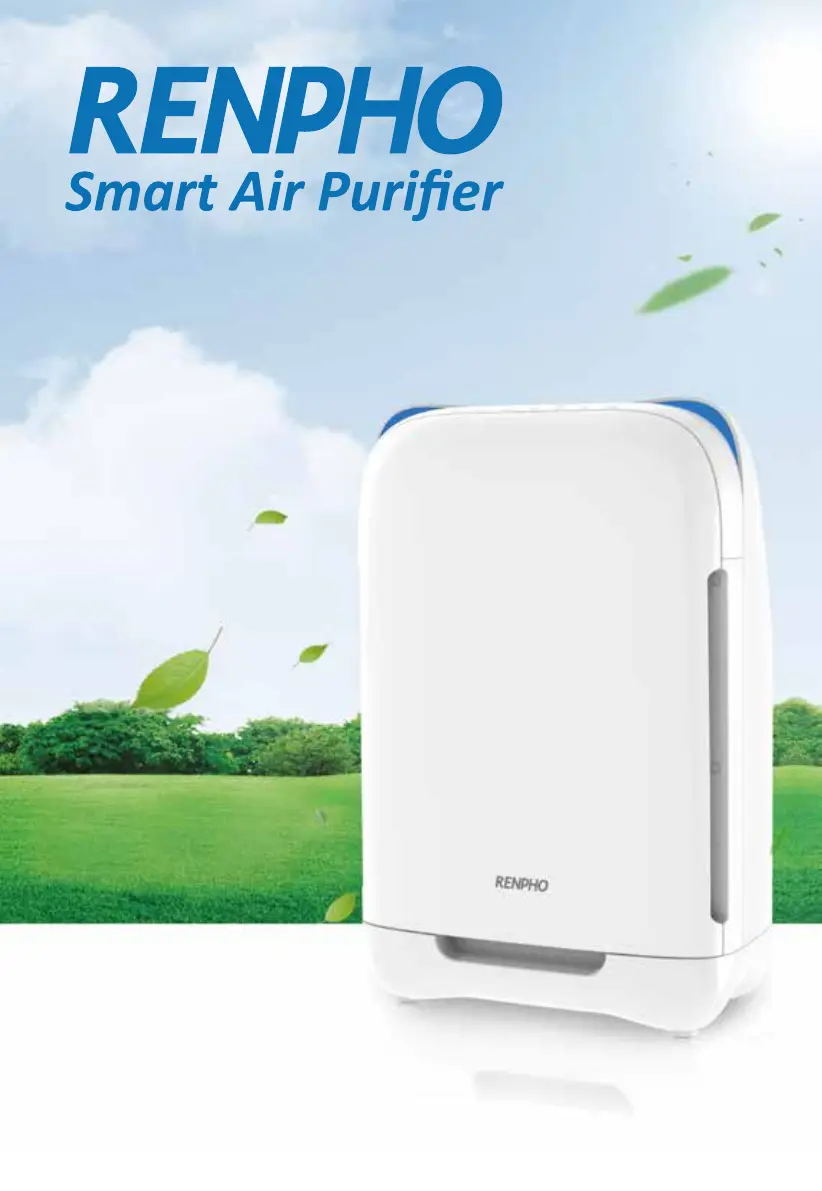
RP-AP001S USER MANUAL
READ AND SAVE THESE INSTRUCTIONS
model: RP-AP001S

Questions and Answers

  • J
    Joanna AdamsAug 16, 2025
    What to do if my RENPHO RP-AP001S Air Cleaner doesn't work?
    • K
      Keith ColeAug 16, 2025
      If your RENPHO Air Cleaner isn't working, there could be a few reasons. First, ensure the back cover is correctly fastened; if not, remove and reinstall it. Second, check that the power plug is securely connected to a power supply; try unplugging and plugging it back in. Finally, make sure the machine is turned on after plugging it in.
  • A
    andrea57Aug 19, 2025
    Why is the airflow significantly reduced in my RENPHO RP-AP001S?
    • R
      Robert NewmanAug 19, 2025
      Reduced airflow in your RENPHO Air Cleaner can be due to several factors. Ensure you've removed the plastic packaging from the filter. If the air quality is good, the unit might be in Auto mode, which reduces fan speed; press the speed button to exit Auto mode. The unit may be in Night mode; manually select your preferred fan speed. A dirty pre-filter can also restrict airflow, so clean it. Consider replacing the filters if they are old. Also, ensure there's at least 40cm of clearance around the rear and sides of the unit for proper ventilation.
  • J
    Jason JonesAug 22, 2025
    Why does my RENPHO RP-AP001S have poor performance?
    • M
      Michael CarrilloAug 22, 2025
      If your RENPHO Air Cleaner isn't performing well, check if the room size exceeds the unit's applicable area. Also, make sure that nothing is blocking the air inlet or outlet of the machine; remove any obstructions.
  • M
    Melissa MartinAug 25, 2025
    Why is the air quality indicator color unchanged on my RENPHO RP-AP001S Air Cleaner?
    • S
      Susan HullAug 26, 2025
      If the air quality indicator color on your RENPHO Air Cleaner remains unchanged, the air quality sensor might be dirty; try cleaning it. Poor indoor air ventilation can also affect the sensor reading, so open a window to improve air circulation.
  • D
    Denise BlackAug 28, 2025
    Why can't the fan speed adjust automatically on my RENPHO RP-AP001S Air Cleaner?
    • C
      Charles TorresAug 28, 2025
      If the fan speed on your RENPHO Air Cleaner isn't adjusting automatically, the air quality sensor might be damp or condensation may have formed on its surface due to high indoor temperature. Keep the air quality sensor clean and dry.
  • S
    Seth SchultzAug 30, 2025
    What to do if the filter replacement indicator is still flashing after replacing the filter in my RENPHO Air Cleaner?
    • B
      barbara08Aug 31, 2025
      If the filter replacement indicator continues to flash after replacing the filter in your RENPHO Air Cleaner, the filter's lifetime may not have been reset correctly. Refer to the manual instructions for how to reset the filter's lifetime.
  • K
    Kristine ReyesSep 3, 2025
    Why is my RENPHO air purifier offline?
    • M
      Meghan MooreSep 3, 2025
      1. Ensure your router is connected to the internet and your phone’s network connection is working properly. 2. Delete the offline air purifier from the RENPHO Smart app. 3. Reset the air purifier by pressing 'Lock' + 'AQ' buttons and holding for 5 seconds until the WiFi light starts blinking. 4. Reconfigure your air purifier with the RENPHO Smart app. Note: Power outages, internet outages, or changing WiFi routers may cause your air purifier to go offline.
  • M
    Melissa PhelpsSep 5, 2025
    I already have another smart appliance connected to the RENPHO Smart app, but my smart air purifier won’t connect - what should I do?
    • J
      joel19Sep 6, 2025
      Close and relaunch the RENPHO Smart app. Reset the air purifier by pressing 'Lock' + 'AQ' buttons and holding for 5 seconds until the WiFi light starts blinking.
  • M
    Maria MooreSep 9, 2025
    How do I change my WiFi network to a 2.4 GHz WiFi network for my RENPHO air purifier?
    • T
      tsloanSep 9, 2025
      Most dual-band routers support both 2.4G and 5G networks. Select the WiFi name that does not end in “_5G”. If your phone is attempting to connect to the 5G network, try “forgetting” or temporarily disabling the 5G network. If you are unsure, or if the 2.4G and 5G networks do not have separate names, please contact your internet service provider.
  • H
    Heather TorresSep 12, 2025
    Why can't I connect my RENPHO RP-AP001S to my WiFi network?
    • J
      Jessica MartinezSep 12, 2025
      During the setup process, you must be on a secure 2.4 GHz WiFi network. Make sure the WiFi password you entered is correct.

Summary

Safety Information

Danger

Critical safety warnings about water and detergents.

Warning

Important warnings regarding cord, damage, and user capabilities.

Caution

Precautions for placement, ventilation, and socket use.

Control Panel Overview

Before First Use

Using the Appliance

Power and Basic Operation

Steps for plugging in, turning on, and basic functions.

Air Quality and Filter Indicators

Explains AQI colors and filter replacement lights.

Advanced Functions

How to set timer, sleep mode, and keylock.

RENPHO Smart App Setup

Downloading the App

Instructions for downloading the RENPHO Smart app from app stores.

Default Mode Connection

Step-by-step guide to connect the purifier via default WiFi mode.

AP Mode Wi-Fi Configuration

AP Mode Connection Guide

Guide to connect the purifier using AP mode when default fails.

RENPHO Smart App Usage

Filter Life and Management

Sharing Device Control

Delete and Reset Air Purifier

Connect with Alexa

Connect with Google Home

Cleaning and Maintenance

Filter Replacement and Reset

Troubleshooting

RENPHO Smart App Troubleshooting

RENPHO RP-AP001S Specifications

General IconGeneral
BrandRENPHO
ModelRP-AP001S
CategoryAir Cleaner
LanguageEnglish