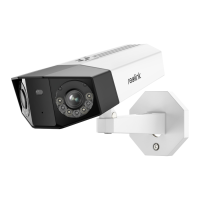
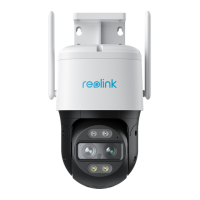
or horizontally for better WiFi connection.
Step 3. loosen the adjustment knob by twisting it counterclockwise on the security
mount, and turn the camera to get an ideal view.
Step 4. Turn the knob clockwise to fix the camera in place.
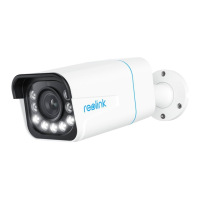
Note: If your camera has another mount without the adjusting knob, please loosen
the adjusting screw with the provided hex key and turn the camera as shown
below to adjust the angle.


 To Previous Page