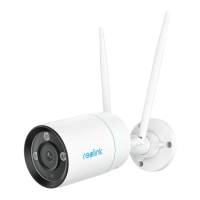
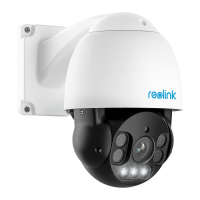
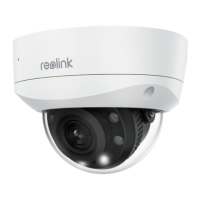
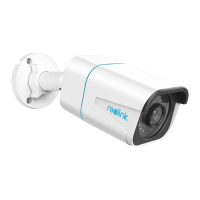
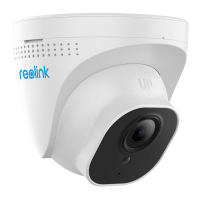
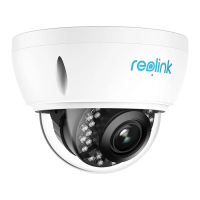
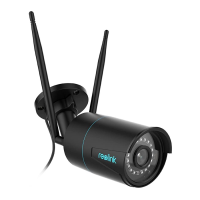
2. Connect the PoE camera to PoE port of the NVR. Or if you want to use a WiFi
camera, please connect the camera to the WiFi of the same router as NVR.
3. Connect the power adapter to the NVR, and switch on the NVR.
Set up the system on the App
Please initially set up the system on the App by referring to the following steps.
Note: Please make sure the device and your phone are on the same network.
Step 1. Tap the icon on the top right corner.



 To Next Page
 Loading...