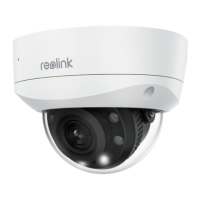
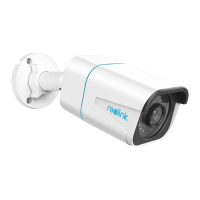
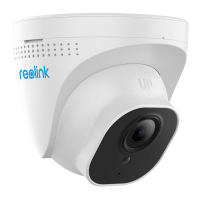
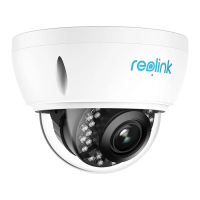
Notes:
Run the cable through the cable notch on the mount base.
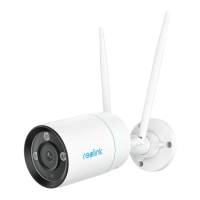
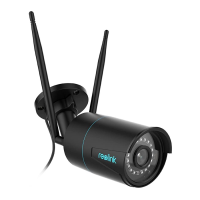
As for the WiFi camera, it is recommended that the antennas be installed upward
or horizontally for better WiFi connection.
Step 3. loosen the adjustment knob by twisting it counterclockwise on the security
mount, and turn the camera to get an ideal view.
Step 4. Turn the knob clockwise to fix the camera in place.



 To Next Page
 Loading...