19 20
Trouble shooting
Safety feature
situation
SolutionExplanation
P lu g th e
Connect the product to Charger.
Charger to po w er o utlet,
waiting for fully charged of the product
The product does not
work after turning on
The product is
out of power
Battery is running
out.
System failure
Insufficient
charging or
charger connection
is no good.
The charger
connection is not
correct.
The USB cable is
broken.
Insufficient
charging or charger
connection is no
good.
Charging light does
not illuminate
No sound and
machine stops
The device is not
working after charging
After 35 minutes,
machine does not
stop automatically
No ozone generation
Check if there is electricity in the power
outlet.
Make sure the charger has been plug into
the power outlet.
Check the charger and USB connection.
Change new charger and USB cable.
Check if the charger connection is
correct.
Replace with a new USB cable.
If this does not solve the problem, send
the product to your place of purchase for
repair or replacement.
Power the machine down by pressing
and holding the On/Off button for 3
seconds. Try the cycle again.
If this does not solve the problem, send
the product to your place of purchase for
repair or replacement.
If you have pressed the On/Off button
and there is no light and fan is not
working, connect the product to power
charger and plug the charger to power
outlet. Turn on the product.
If working indicator turns on with green
light but fan still does not work, send the
product back to your place of purchase
for repairing or replacement.
Connect the device to power
and charge.
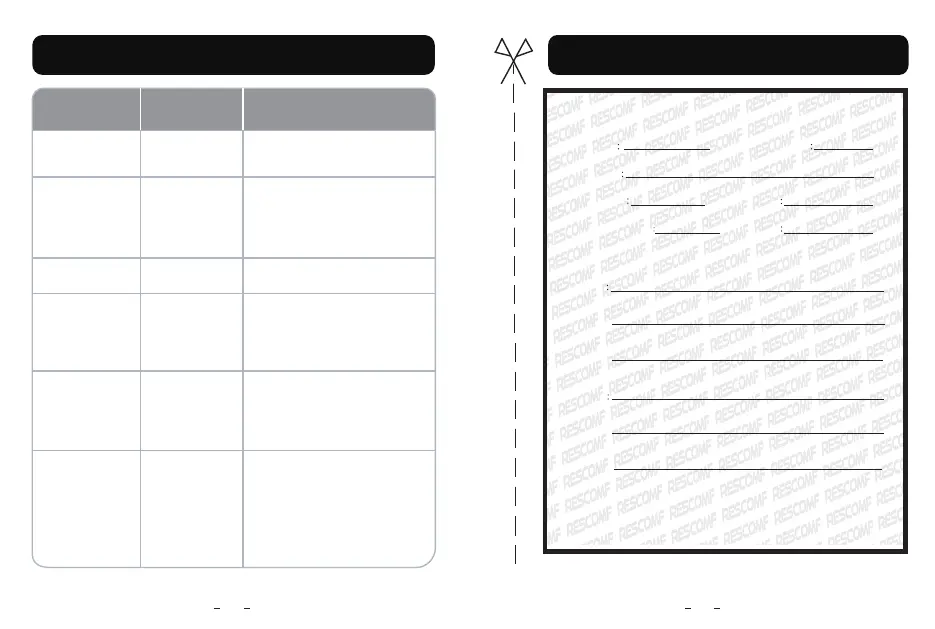
WARRANTY card
Customer name Contact phone number
Contact address
Product Series No
Purchasing date
Distributor Name/ Stamp
Repair date
Repair records
Main Unit
Accessories
Keep the warranty card and the Sales receipt. The card is valid with
distributor stamp or sales receipt. Thank you for cooperation.
WARRANTY card



 To Previous Page
 Loading...