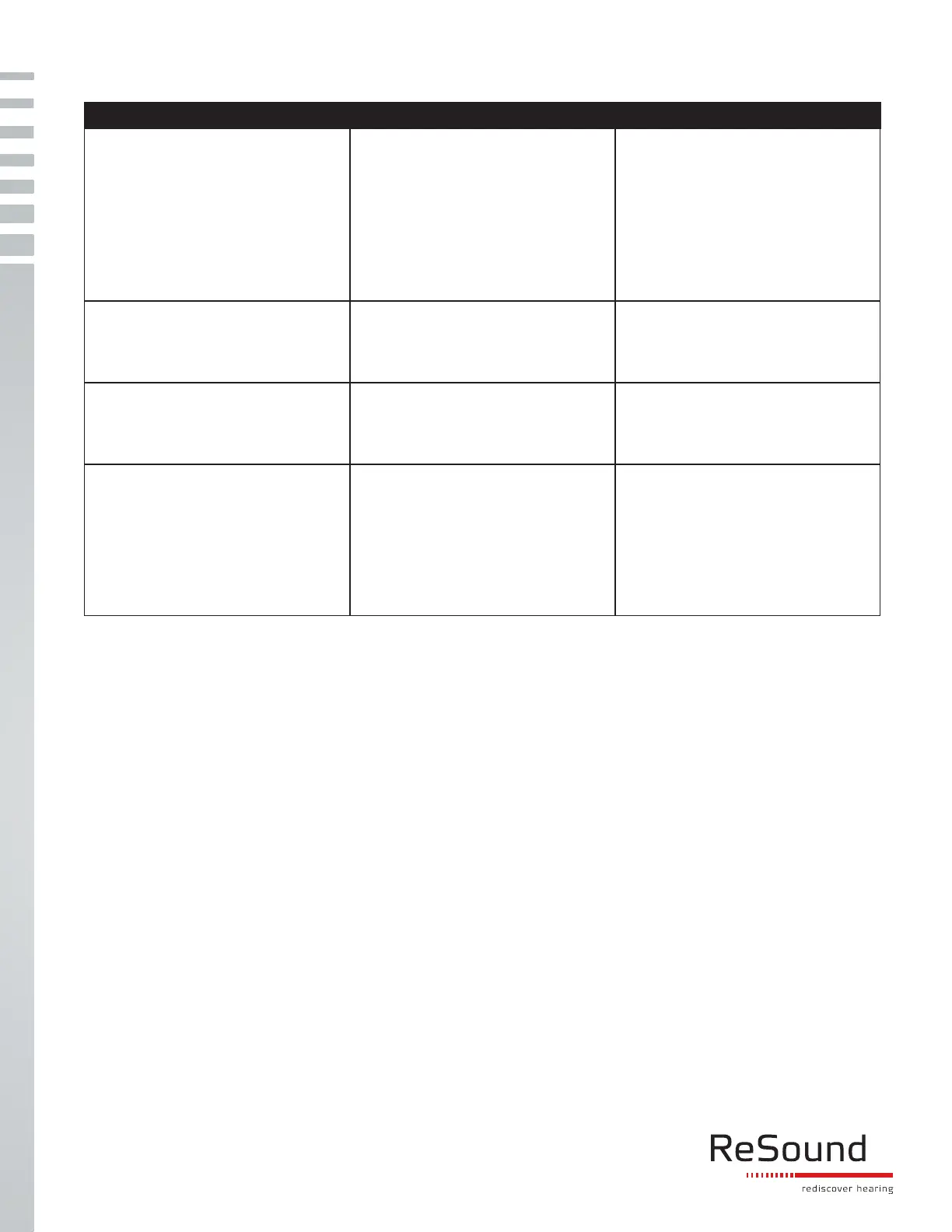
Issue Solutions Notes
If the steps above do not work, please contact your hearing healthcare professional, so they can re-program the
hearing aids in Aventa tting software.
If streaming signal quits during use
after fresh battery…
1.Check that the Apple device is
within range (approximately 20
feet) and reboot the hearing aids
by opening and closing the battery
doors.
2. After the hearing aids are
rebooted, swipe up and turn
Bluetooth off/on and confirm
hearing aids are connected
Wait for 10 seconds after battery
doors are open to allow battery to
recover from previous usage.
If the issue persists… Reboot the Apple device by holding
down the “Home” button and the
“Sleep/Wake” button until your device
restarts.
If the issue persists… 1. “Disconnect the device”
2. Reboot the iOS device
3. Re-do pairing
Go to settings > general >
accessibility > hearing aids. Tap on
the “i”. Scroll down to “disconnect
the device”
Is the issue persists… Do not select “Reset All Settings”.
This will clear passwords and reset all
settings on the Apple device back to
standard factory defaults.
ReSound North America | 8001 Bloomington Freeway | Bloomington, MN 55420
1-888-735-4327 | customerexperience@gnresound.com | gnresound.com
ReSound Government Services | 8001 Bloomington Freeway | Bloomington, MN 55420
1-800-392-9932 | VAinfo@gnresound.com
MK604161 REV A
1. “Disconnect the device”
2. “Reset Network Settings” on
Apple device
Note: This will not only force a reboot
of the Apple device & clear any
previously stored WiFi passwords
from the Apple device




 To Previous Page