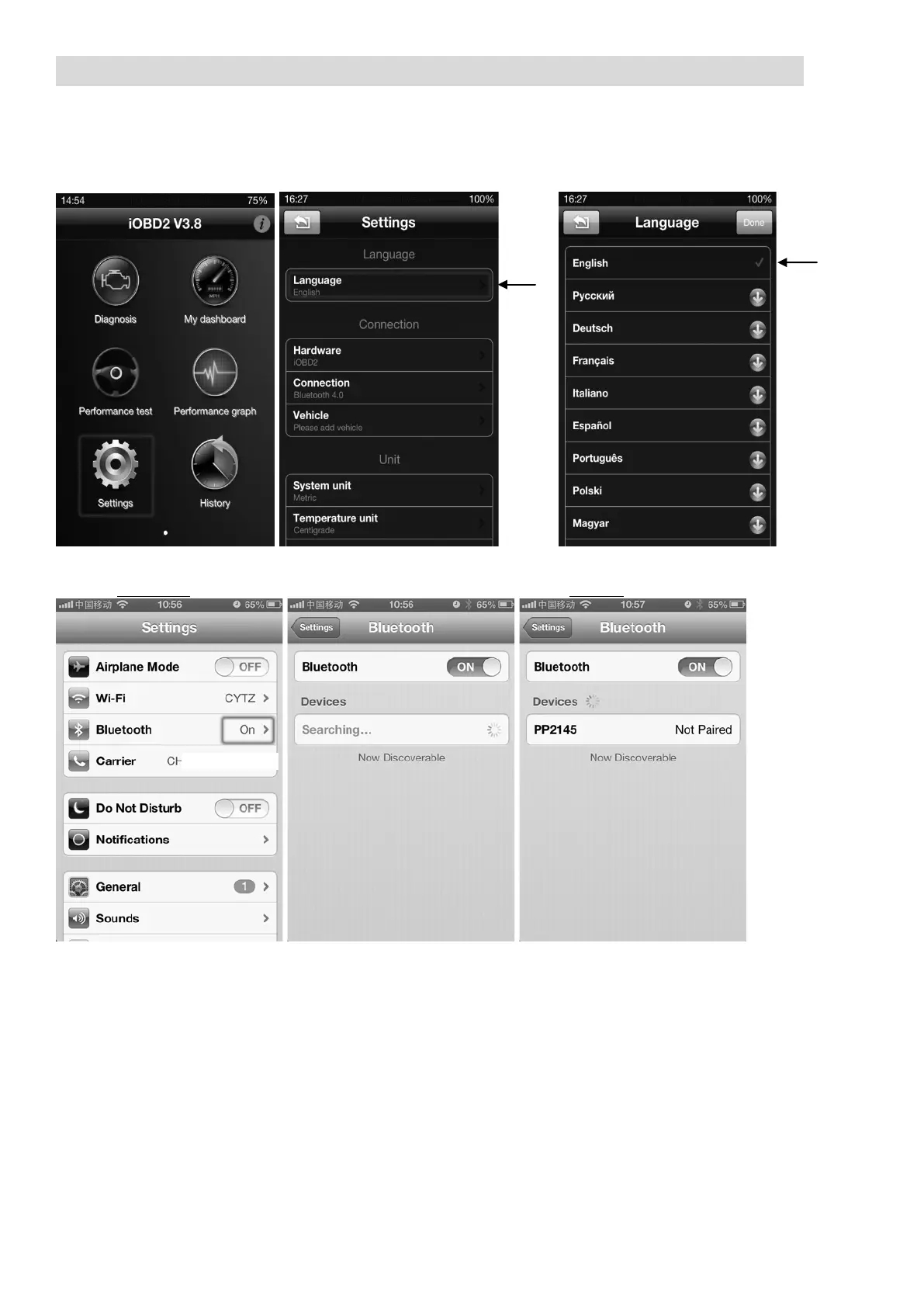
Instructions for iOBD2 Pairing:
1. Using your iOS device, download and install the full app from the App store - payment
may be needed.
2. After installing, open the app and go to ‘Settings’ to select your language. If the defaul
t
language is already correct to your need, there is no need to do this step.
3. T
urn on the Bluetooth® technology function on your device.
NOTE:
DO NOT pair with any device at this stage. Pairing MUST be done through the App.
4. T
urn on the ‘Accessories’ of your car, do not start the ignition.
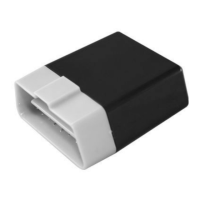
5. Insert the OBD-II device to the OBD-II socket of your vehicle.


 To Next Page