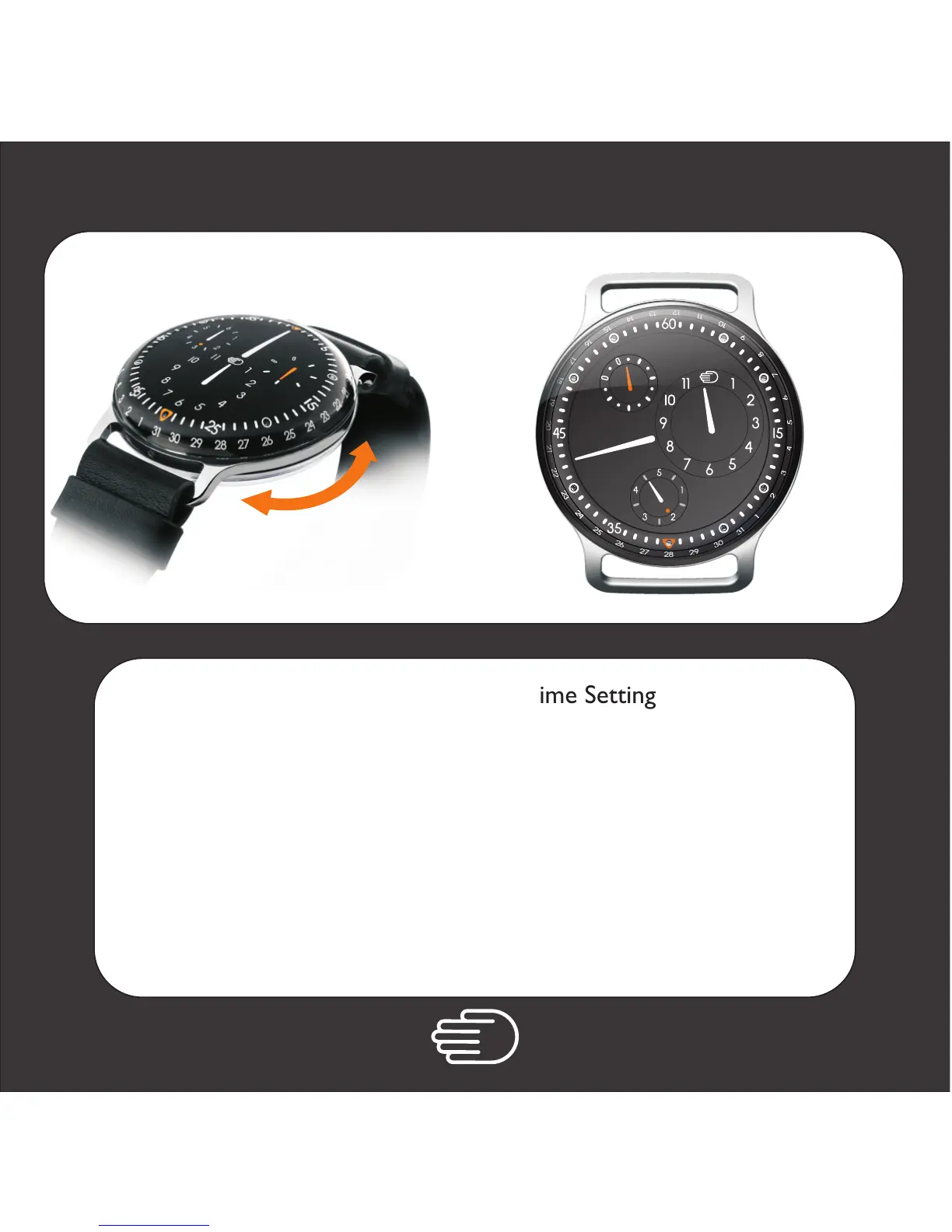
Follow instruction for Time Setting
The day indicator is directly connected to the minutes hand.
This means you will need to turn the minutes hand 24x to
add one day. Day can be set backward as well as forward.
A dot represents 00h00
A short line 12h00 am
It is recommended to set the weekday in
counter clockwise direction.
Weekday Setting
1.
6
3
5
3
5
6
7
8
9
5



 To Next Page