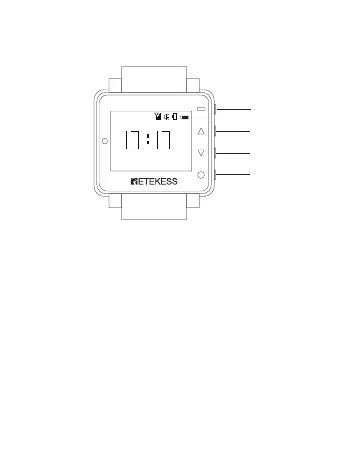
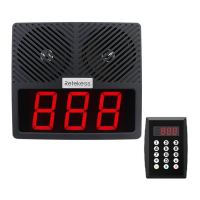
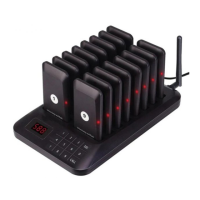
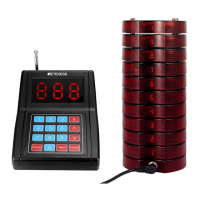
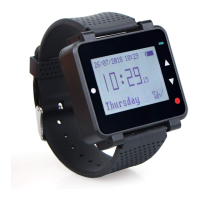
Location and Controls
Saturday
00
28/07/2020
3
11
2
4
1. Menu/OK button, long press the button for about 2 se-
conds to enter the main menu interface or short press to
enter the next submenu.
2. UP button, short press to move up the menu or increase
the parameter value.
3. Down button, short press the button to move down the
menu or decrease the parameter value.
4. Power/Exit/Back button, long press the button for about
2 seconds to exit the menu or short press to return to the
previous menu.
NOTE: Long press the Power/Exit/Back button (4) for
about 3 seconds to turn on the watch receiver.
2


 To Next Page